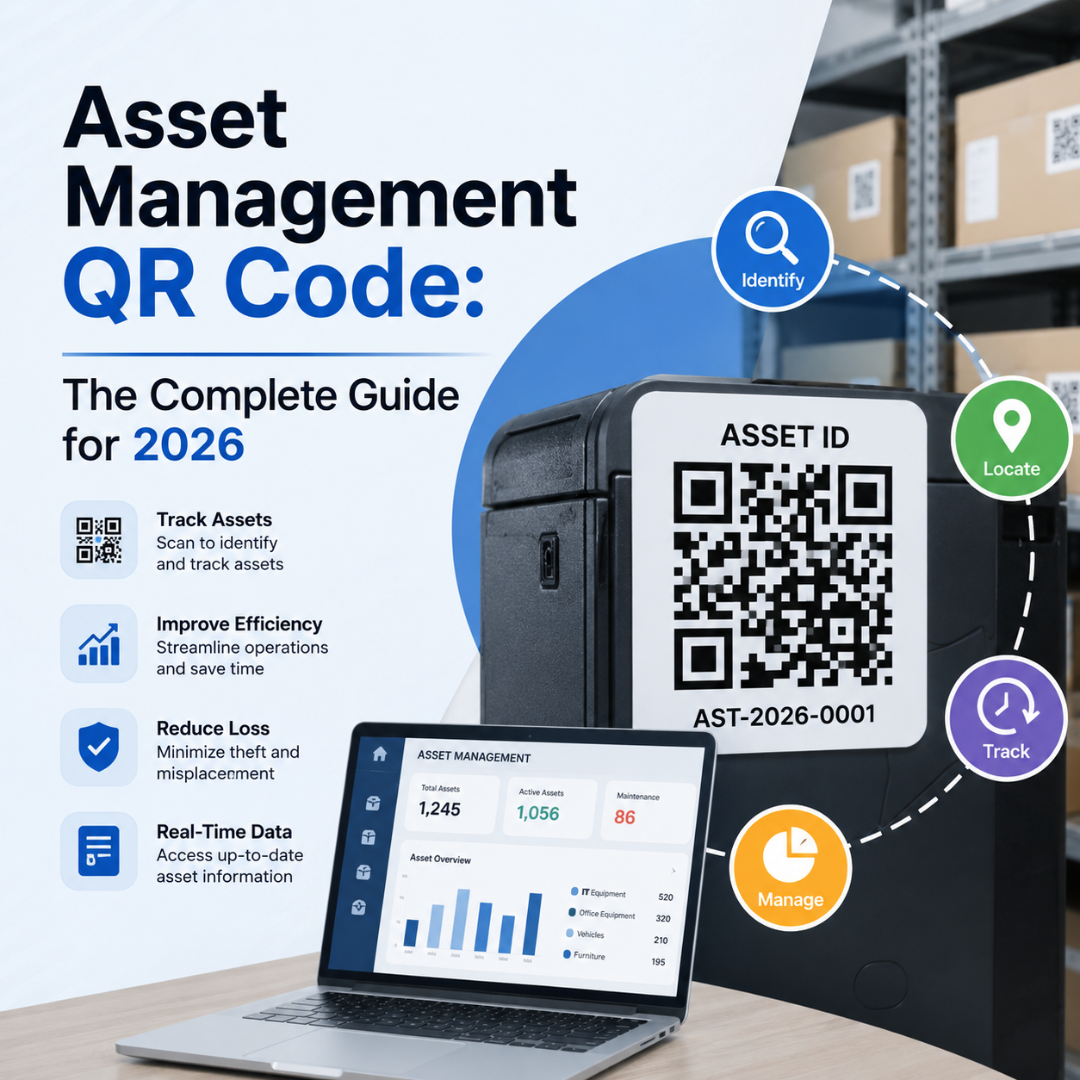
In manufacturing, not knowing where your equipment is — or what condition it's in — is expensive. Tools go missing, maintenance records get lost, and audits reveal gaps that have been building for months. An asset management QR code fixes this without complex software or expensive hardware. Each asset gets a scannable label that instantly opens its full digital record. One scan, complete visibility.
Why Manual Asset Tracking Fails at Scale
Manual tracking systems break down in predictable ways. The bigger the operation, the faster it happens.
Spreadsheets Become Unreliable
A shared spreadsheet can work in a small team. But as you add machines, shifts, and technicians, it falls apart. Records become outdated because updating them takes time that floor workers don't have. Duplicate entries and wrong serial numbers are common. Poor data leads to misplaced assets and avoidable purchases.
Maintenance History Gets Scattered
When a machine fails, technicians need answers fast. Has this happened before? What part was replaced last time? If the service history is incomplete or spread across notebooks, diagnosis takes longer. According to a Coveo survey, the average employee spends 3.6 hours per day searching for information. On a factory floor, that lost time means delayed decisions and increased downtime.
Audits Expose Every Gap at Once
Quarterly audits often uncover record-keeping problems that have quietly piled up. Manual registers require every item to be checked in person and matched against records that may not reflect current reality. For regulated industries, incomplete records create both operational and compliance risks.
What Is QR Code Asset Management?
QR code asset management is a system where each physical asset gets a unique QR code label linked to its digital record. Scan the label with any smartphone and the full record opens instantly — no serial number searches, no paper files.
It sits between barcodes and RFID in terms of cost and capability. Here's how the three technologies compare:
Technology | Data Capacity | Scanning Device | Cost to Deploy | Best Fit |
Barcode | Low (25 chars) | Dedicated scanner | Low | Simple ID only |
QR Code | High (4,296 chars) | Any smartphone | Low | Full asset records |
RFID | Very high | RFID reader needed | High | High-speed bulk scan |
For most manufacturing teams, QR codes offer the best combination of cost, flexibility, and ease of deployment.
6 Ways to Use Asset Management QR Codes in Manufacturing
1. Tag and Identify Every Asset Accurately
Each asset gets its own QR code linked to a record showing model number, serial number, location, purchase date, and warranty status. Technicians can confirm the correct asset before starting work — no visual guessing, no manual serial number entry. One Midwest distribution center saw a 30% reduction in asset retrieval times after implementing QR-based tracking.
2. Access Maintenance History in Seconds
Technicians scan the label and immediately see the complete service record — previous repairs, recurring faults, manuals, and replacement history — without leaving the machine or opening a laptop. A manufacturing facility that replaced manual logs with QR code-linked records improved equipment uptime by 15% and cut maintenance costs by 10%, according to Argos Software.
3. Schedule and Track Preventive Maintenance
QR codes can link directly to maintenance checklists or work order pages. When a technician scans the label, the right form opens with asset details pre-filled. Completed inspections are logged automatically and attached to the asset record, eliminating paper sign-off sheets.
4. Manage Spare Parts and Inventory
QR codes on parts bins or storage shelves can link to approved parts lists, stock counts, supplier details, and reorder portals. When a technician needs a part, they scan the bin to confirm availability and update inventory records in real time — preventing the two most common maintenance delays: wrong part ordered, out-of-stock surprise.
5. Run Faster, Cleaner Asset Audits
During audits, teams scan each asset to confirm its presence, verify its location, and check service status. The scan updates the asset register immediately. No outdated spreadsheets, no manual reconciliation.
6. Track Shared Tools with Check-in and Checkout
Technicians scan a tool when taking it and again when returning it. This creates a clear custody trail — who used it, when, and which job it supported. Fewer lost tools, fewer duplicate purchases, and no dedicated tool crib staff required.
How to Set Up QR Code Asset Management: Step-by-Step
Step 1: Build Your Asset Register First
Before creating a single QR code, list every asset you want to track. Record asset name, model and serial number, current location, purchase date, and what the record should link to. Start with your 10 highest-value or most-maintained assets. A full rollout on day one is how implementations stall.
Step 2: Create Dynamic QR Codes
Dynamic QR codes are essential for asset management. They let you update the linked URL any time without reprinting labels — critical when systems change, records move, or documents are reorganized. Create a URL QR code, paste the link to the asset's record, select dynamic format, and download in PNG or SVG.
Step 3: Choose the Right Labels for Your Environment
Standard paper labels fail on most production floors within weeks. Choose your label material based on the environment:
• Polyester labels — moderate heat, moisture, and chemical exposure.
• Metallic silver labels — high-wear surfaces and low-light environments.
• Laminated printed labels — good middle ground for teams with existing printers.
• Etched metal or anodized aluminum — extreme environments (welding, foundries, outdoor).
Step 4: Place, Test, and Train
Place QR codes where technicians naturally look during inspections — equipment panels, control boxes, asset tags. Test every code under real floor conditions before going live. Training takes about 15 minutes: how to scan, how to read the record, how to log an update.
Best Practices for QR Code Asset Management
• Assign QR codes to assets, not locations — if the equipment moves, the record moves with it.
• Keep linked records mobile-friendly — if it's hard to read on a phone screen, redesign it.
• Set role-based access — technicians need service history, procurement needs supplier contacts.
• Use scan analytics to spot high-attention assets — frequent scans signal a recurring problem.
Conclusion
An asset management QR code gives your team accurate, accessible records without expensive infrastructure. Start with your five most critical assets. Create dynamic QR codes, link them to your existing records, and run the system for 30 days. The improvement in maintenance speed and audit accuracy will make the case to scale across your entire facility.
Start tagging your assets today. One scan can tell you everything you need to know.