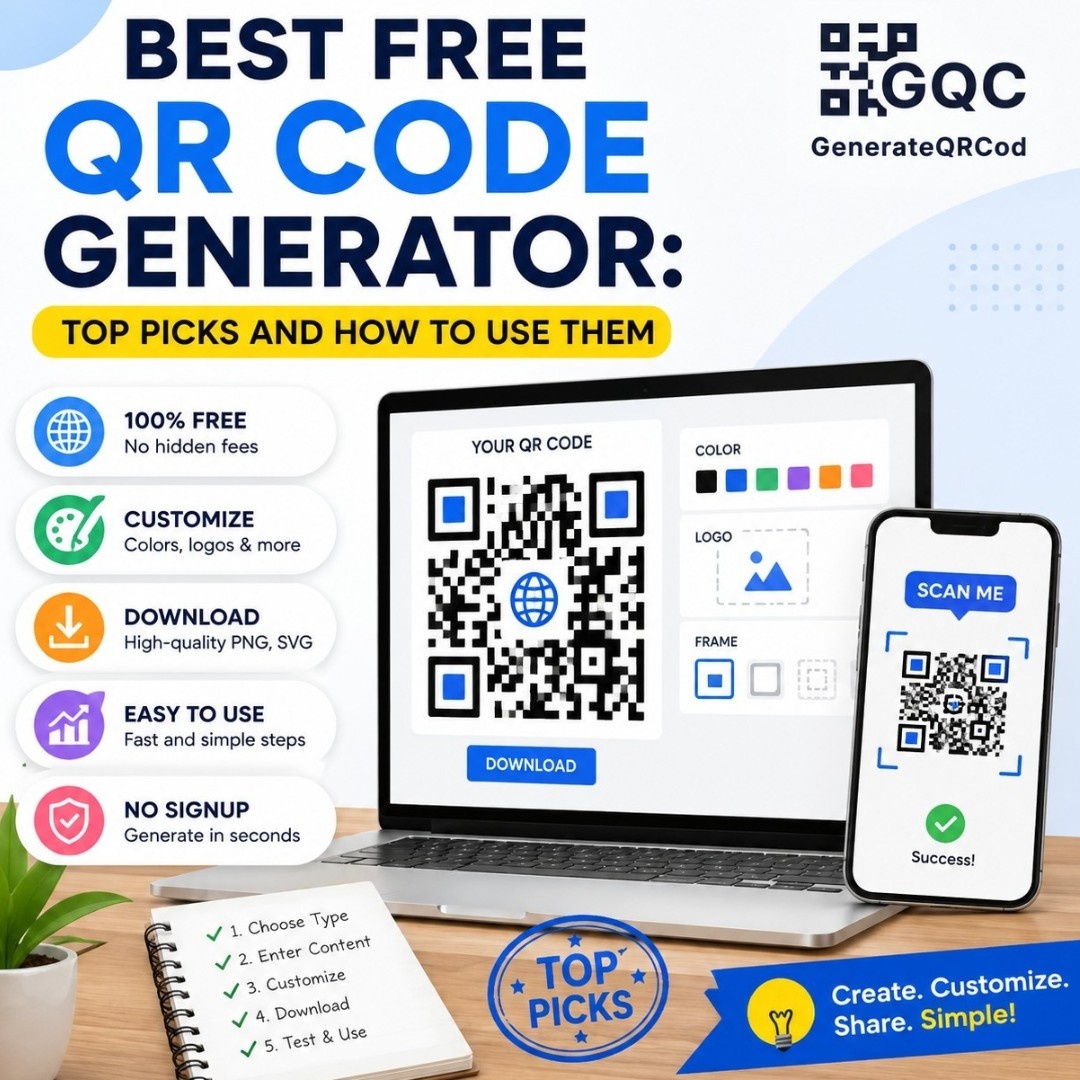
Looking for the best free QR code generator? You are in the right place. Whether you run a small business, manage events, or want to share a link with your audience, a QR code generator online makes the process quick and easy. The best part? You do not need to spend a single rupee. In this guide, we cover the top free QR code generator tools, how to use them, and what to look out for.
Why Use a Free QR Code Generator?
QR codes have become essential for modern communication. A restaurant puts one on its menu. A business card includes a link to a portfolio. An event ticket uses one for quick check-in. With a free QR code generator, you can create professional-looking codes in minutes without any design skills or technical knowledge.
The demand for online QR code generator tools has exploded in recent years. And fortunately, there are excellent free options that rival paid alternatives.
Top 5 Best Free QR Code Generator Tools in 2026
Tool | Free Plan | Custom Design | Analytics | Best For |
QR Code Generator (qr-code-generator.com) | Yes | Limited | No | Quick personal use |
QRCode Monkey | Yes | Yes | No | Branded QR codes |
Canva QR Code | Yes | Yes | No | Designers & marketers |
Bitly | Yes (limited) | Limited | Yes | Link tracking |
Yes | No | No | Simple and fast |
How to Use a Free QR Code Generator: Step-by-Step
Step 1: Choose Your QR Code Generator Online
Visit one of the tools listed above. For most users, QRCode Monkey or Canva offer the best balance of features and ease of use. Open the tool in your browser, no download needed.
Step 2: Select the Type of QR Code
Most free QR code generators let you choose what your code links to: a URL, plain text, email address, phone number, Wi-Fi credentials, or vCard. Select the type that matches your goal.
Step 3: Enter Your Content
Paste your URL or type in your content. For a website link, make sure to include the full URL including https://. Double-check for typos since an error here means a broken QR code.
Step 4: Customize (Optional)
Some free tools let you change colors, add a logo in the center, or adjust the shape of the dots. These customization options help your QR code match your brand identity.
Step 5: Download and Test
Download your QR code as a PNG or SVG file. Before printing or publishing, always test it with your smartphone camera. Point your camera at the code and make sure it opens the right destination.
Features to Look for in a Free QR Code Generator
• Supports multiple QR code types (URL, text, Wi-Fi, vCard)
• Allows PNG and SVG download formats
• Offers customization options like color and logo
• No watermark on downloaded files
• Works directly in the browser without signup
• Provides high-resolution output for print
Best Free QR Code Generator for Specific Needs
Best for Businesses
QRCode Monkey is our top pick for businesses. It offers full color customization and logo insertion, all for free. You can make your QR code look professional and on-brand without paying anything.
Best for Simplicity
GoQR.me and QR Code Generator are great for users who just need a fast, no-frills code. Enter your content, click "generate," and download. Done.
Best QR Code Generator Online for Marketers
Canva integrates QR code creation with its design tools. If you are already building posters, flyers, or social media graphics in Canva, you can add a QR code without switching tools.
Common Mistakes When Using a Free QR Code Generator
• Using a very low-resolution download for print materials
• Not testing the code before distributing it
• Creating a QR code that is too small (minimum 2 cm x 2 cm recommended)
• Forgetting to update the dynamic QR code content after printing
• Using a free tool that puts a watermark on your code
Tips for Getting the Most from a Free QR Code Generator
• Always download in SVG format for printing to avoid pixelation
• Keep enough white space (quiet zone) around the code
• Use high-contrast colors, dark code on light background
• Add a call-to-action near the code, such as Scan to Visit
• Test on multiple phone brands before publishing
Conclusion
Finding the best free QR code generator does not have to be complicated. Tools like QRCode Monkey, Canva, and GoQR.me give you everything you need to create professional, scannable codes at zero cost. Just pick the right tool, customize your code, and test it before going live.
Start using a free QR code generator online today and make it easier for your audience to connect with your content. Internal link suggestion: Link to your article on how QR codes benefit businesses. Another internal link opportunity: Link to your article on how QR codes are generated.