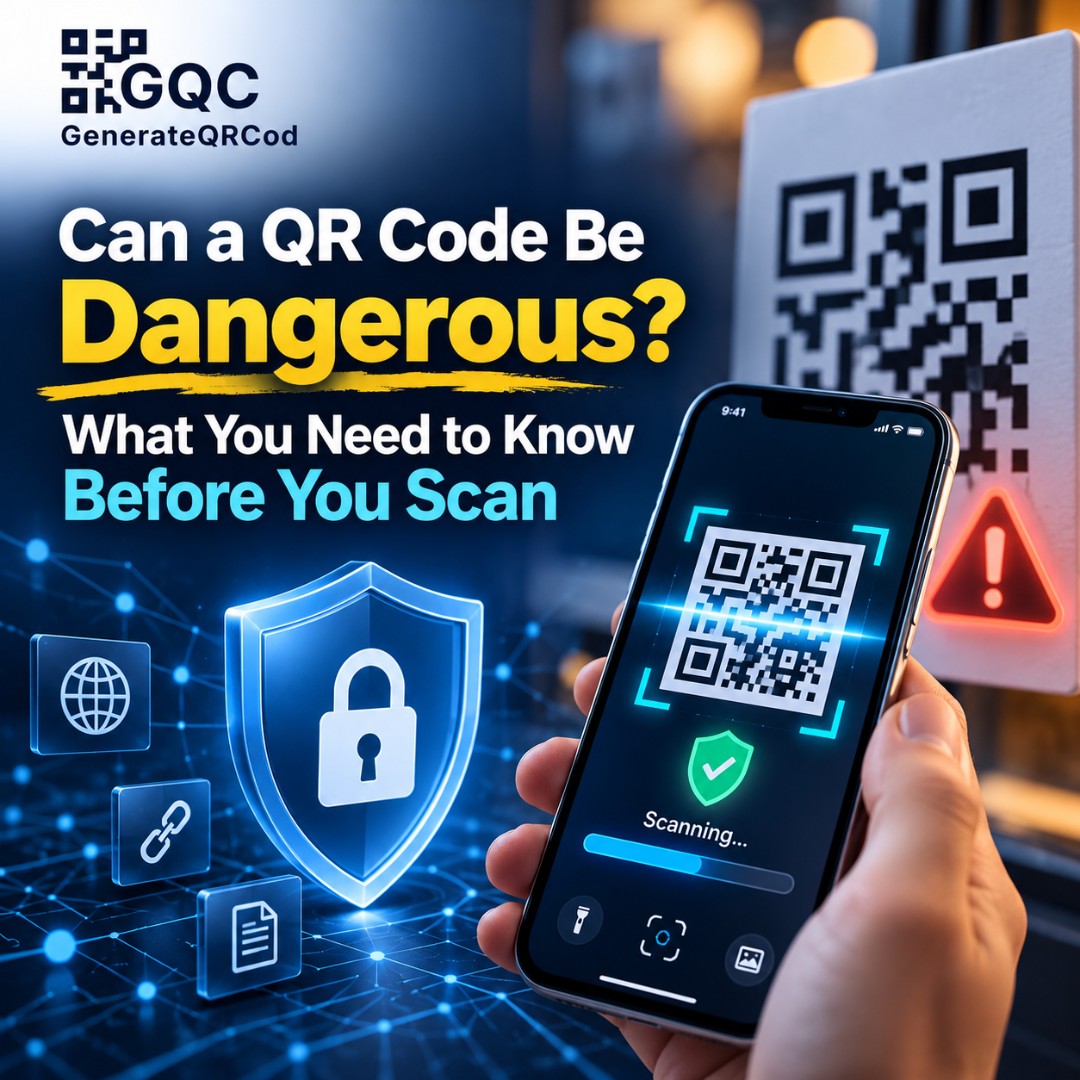
A man parks his car in a busy market and walks up to the parking meter. There's a QR code on it that says "Scan to pay." He scans, enters his card details, and pays. Later that week, he sees three strange charges on his card.
The meter's real QR code was underneath. Someone had stuck their own sticker on top.
So, can a QR code be dangerous? The code itself, no. But where it leads, yes. This guide explains how QR code scams actually work, where fake codes show up, and simple ways to stay safe, whether you scan codes or create them for your business.
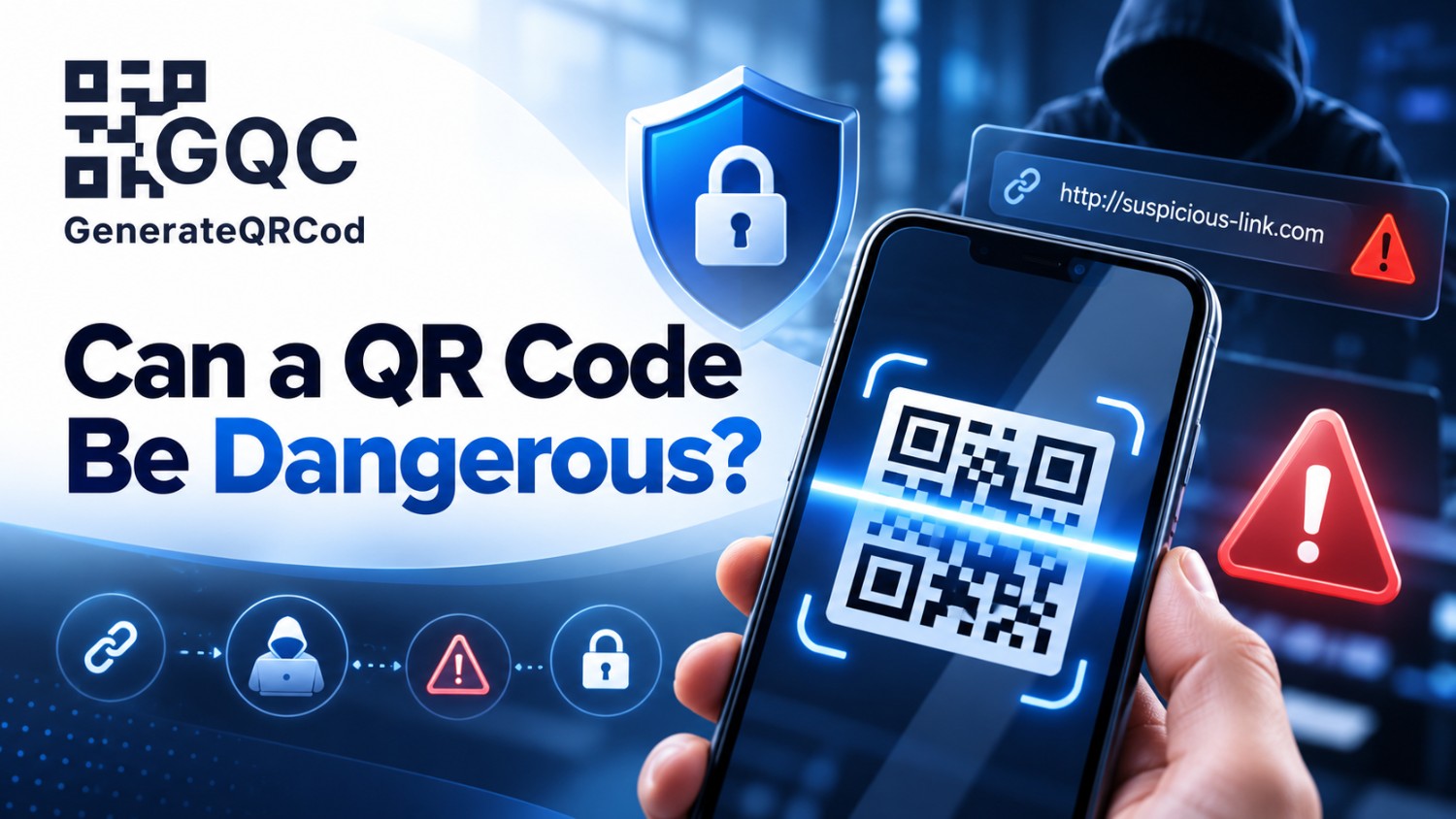
Can a QR Code Be Dangerous?
A QR code on its own can't harm your phone, because it only stores a small piece of text, usually a link. The danger comes from what that link does. A malicious QR code can open a fake website that steals your passwords or payment details, push you to download a harmful app, or trigger actions like sending money. Scanning isn't the risk. Trusting the result without checking is.
How QR Code Scams Work
These scams even have a name: quishing, a mix of "QR" and "phishing."
The idea is simple. Scammers know people trust QR codes and rarely look at the link inside. So they create a code that looks normal, place it where people expect to scan, and wait. The US Federal Trade Commission has warned about scammers hiding harmful links in QR codes, and the FBI issued a similar public warning back in January 2022.
Where Dangerous QR Codes Show Up
Where | What the scam looks like |
Parking meters and EV chargers | Fake sticker over the real code, leading to a fake payment page |
Restaurant tables and posters | Tampered menu or offer codes that open phishing sites |
Emails | "Scan to verify your account" messages that dodge email link filters |
SMS and WhatsApp | Fake delivery, KYC, or bill payment requests |
Online marketplaces | "Buyers" sending a QR code to "pay" you, which actually takes money |
Flyers and letters | Fake government or bank notices asking you to scan |
The email trick is worth explaining. Many email security filters check written links. But a QR code is just an image, so the dangerous link can slip through unchecked.
The UPI QR Code Scam (Very Common in India)
This one catches people every day. You're selling something online, and a "buyer" says they'll pay you. They send a QR code and ask you to scan it and enter your UPI PIN to receive the money.
Here's the rule that stops this scam cold: you never need to scan a QR code or enter your PIN to receive money. A PIN is only for sending money. If someone asks you to scan to receive, it's a scam. Every time.
Can a QR Code Hack Your Phone?
Just scanning a QR code with your phone's camera is very unlikely to hack it. The camera reads the text and shows you a preview. Nothing happens until you tap.
The real risks come after tapping. A fake login page can capture what you type. A download link can install a harmful app, especially one from outside the official app store. A WiFi QR code can connect you to a network run by someone else. And a code can open a pre-written SMS or payment screen, hoping you'll hit send without reading.
Keeping your phone's software updated also protects you from rare bugs that attackers might try to use.
Warning Signs of a Fake QR Code
Look before you scan, and look again before you tap. Watch out for a sticker placed over another code, or one with peeling edges. Be wary of a code in an email or text you weren't expecting, especially one pushing you to act fast. A link preview with a misspelled brand name or an odd domain is a big warning. So is any page that asks for your OTP, PIN, or password right after scanning, or a request to install an app from a link.
Not sure how to read a link? Our guide on why you should check a URL before opening it makes it simple.
How to Scan QR Codes Safely
Use your phone's built-in camera or a trusted scanner app. Read the link preview before opening it. For payments and banking, open the official app directly instead of using a random code. Never enter a UPI PIN to receive money. Don't install apps from QR code links, and use the Play Store or App Store instead. And turn on two-factor login on important accounts, so a stolen password alone isn't enough.
If something already went wrong, see our guide on what happens when you scan a malicious QR code for what to do next.
How Businesses Can Protect Their QR Codes
If you use QR codes for your business, your customers are trusting you. A few steps make it much harder for scammers to use your name.
Brand your codes. Add your logo and brand colors so customers recognize the real one. You can do this for free on GenerateQRCod.
Print your website address under the code. Customers can compare it with the link preview.
Use tamper-resistant placement. Print codes directly on menus, signs, or laminated stands rather than loose stickers, which are easier to cover.
Check your codes regularly. Scan public codes every week or so to make sure they still point to your page and haven't been covered.
Link to your own domain. A code that opens yourbusiness.com looks far more trustworthy than a random link.
Final Thoughts
So, can a QR code be dangerous? The squares themselves aren't. The links behind them can be. Stay alert for fake stickers and unexpected codes, read the link before you tap, and never share PINs or passwords from a scanned page. QR codes are still incredibly useful. A little caution keeps them that way.