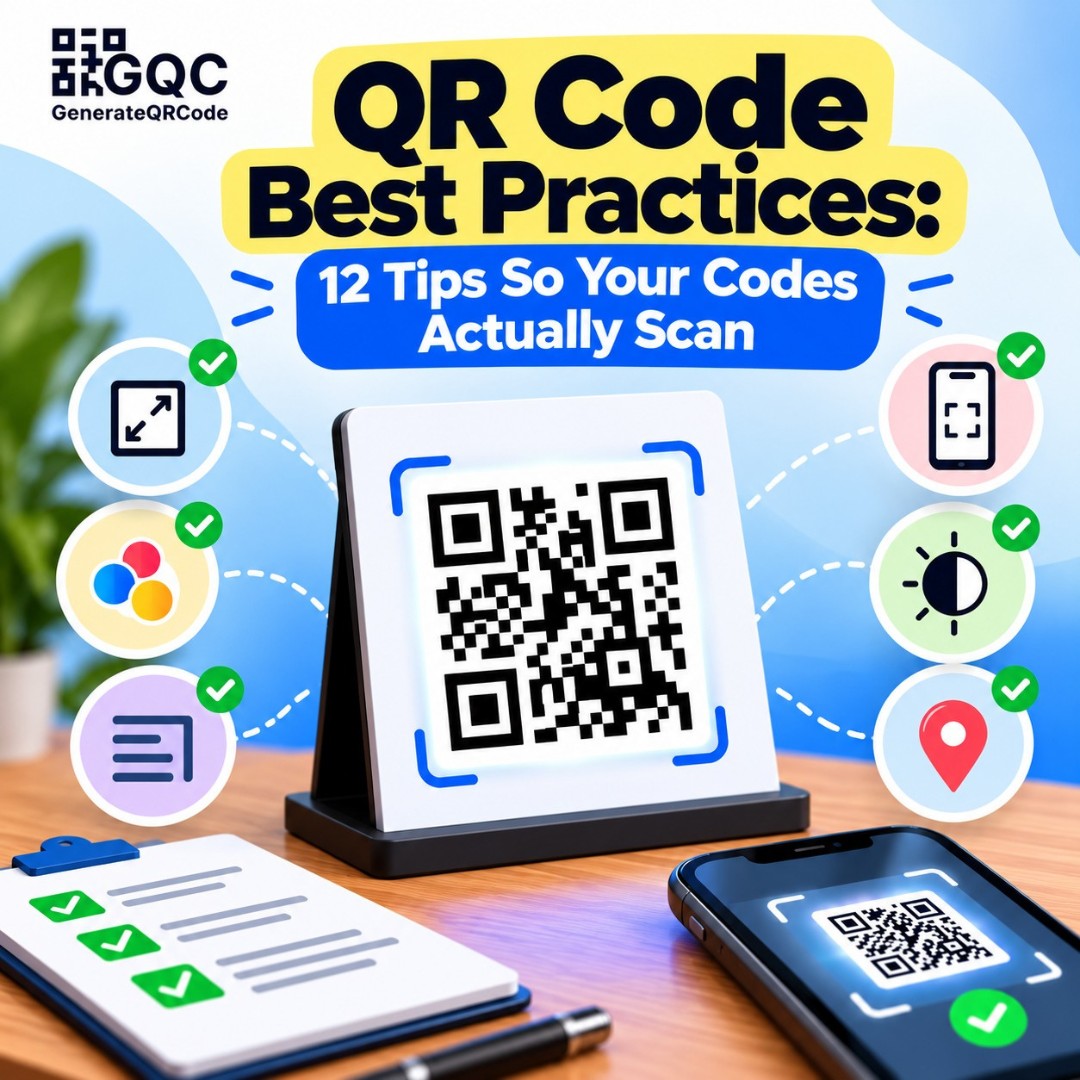
A gym prints a huge banner for its new branch opening. Big photo, bold offer, and a QR code in the bottom corner. It's placed 15 feet high on the building. Nobody can scan it from the road. The banner still looks great, it just doesn't do anything.
Most QR code failures aren't technical. They're small design and placement choices.
These QR code best practices will help you avoid the common mistakes, so your codes scan quickly on almost any phone, whether they're on a business card, a menu, or a banner.
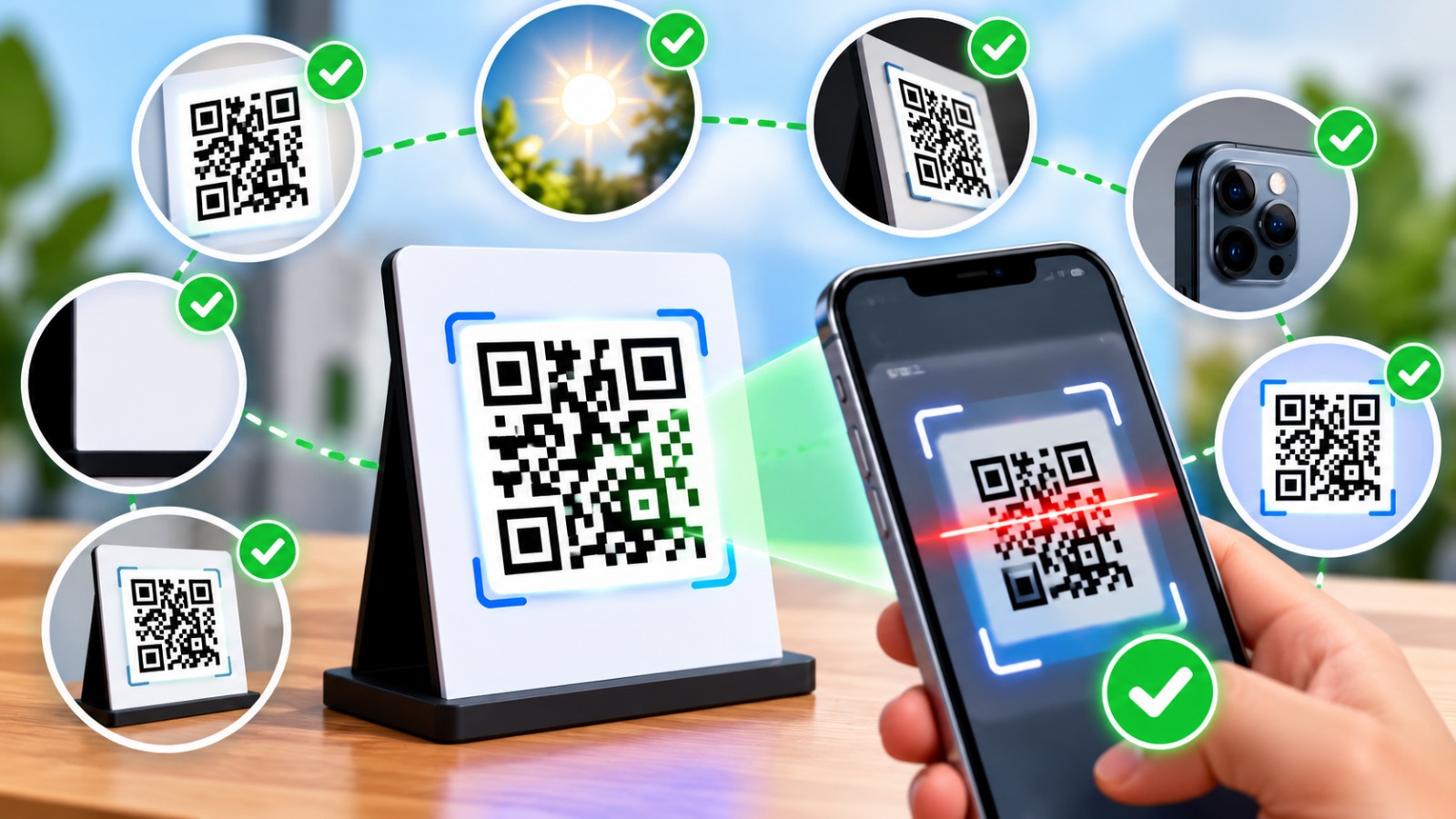
What Makes a QR Code Easy to Scan?
A QR code scans easily when it's big enough for the scanning distance, has strong contrast between the code and background, keeps a clear margin around it, and isn't overloaded with data. Testing on different phones before printing catches most remaining problems.
Now, the tips.
Size and Placement Best Practices
1. Never go below 2 cm
For anything scanned up close, like a business card or product label, keep the QR code at least 2 cm by 2 cm. Smaller than that and older phone cameras struggle, especially in low light.
2. Match size to scanning distance
A simple rule works well: the code should be about one-tenth of the scanning distance. If people scan from 1 meter away, make it around 10 cm wide. For that gym banner viewed from 5 meters, you'd need a code roughly 50 cm wide.
Where the code is | Typical scan distance | Suggested QR code size |
Business card, label | 10 to 20 cm | 2 to 3 cm |
Table menu, flyer | 30 to 40 cm | 3 to 4 cm |
Poster on a wall | 1 to 2 m | 10 to 20 cm |
Banner or hoarding | 5 m or more | 50 cm or more |
3. Put it where people can stop and scan
Eye level is ideal. Avoid places where people are moving fast, like the back of a bus, or spots with no mobile signal, like basement parking. Also skip sharp curves, such as the side of a thin bottle, because the camera sees a bent code.
Design Best Practices
4. Keep strong contrast
Dark code on a light background works best. Black on white is the safest choice. Brand colors are fine, but keep the code color much darker than the background. Light gray on white, or yellow on white, often fails.
5. Don't invert the colors carelessly
A light code on a dark background looks stylish, but some scanner apps and older phones can't read it. If you want to try it, test it on several devices first.
6. Leave a quiet zone
The quiet zone is the empty margin around the code. Scanners need it to find where the code starts. Keep a clean border about four "squares" wide around the code, and never let text or images touch its edges.
7. Keep your logo small
Adding a logo is great for trust and branding. Just keep it in the center and fairly small, and set a higher error correction level so the code can still be read even though the logo covers part of it. On GenerateQRCod you can upload a logo and check the live preview before downloading.
Content Best Practices
8. Use short links
The more data you put in a code, the denser and harder to scan it gets. A long link full of tracking tags creates tiny squares. A short, clean link keeps the code simple. Our guide on QR code data size explains this in detail.
9. Always add a call to action
People scan more when they know what they'll get. Add a short line under the code, like "Scan to view menu," "Scan to join WiFi," or "Scan for 10% off." Without it, many people simply won't bother.
10. Send people to a mobile-friendly page
Almost every scan happens on a phone. If the page is slow or built for desktop, visitors leave in seconds. Check the page on mobile data, not just office WiFi. And use a secure https link, since some phones warn users about insecure pages.
Printing and Testing Best Practices
11. Download SVG for print
PNG files are fine for screens, but they can go blurry when stretched. SVG files are vector graphics, so they stay sharp at any size. Use SVG for flyers, packaging, banners, and anything sent to a printer.
12. Test like a customer would
Before printing a batch, scan the code with at least two phones, ideally one Android and one iPhone. Try it in dim light, from the real distance, and from a slight angle. Then print a single proof and scan the paper version too. Screens and ink don't always match.
Plan for Change
Here's one more tip, because it saves the most money. If there's any chance your link will change, point the QR code to a stable page on your own website, like yourbrand.com/menu. Then you can update or redirect that page later without reprinting. See our guide on how to redirect a QR code for the steps.
Common QR Code Mistakes to Avoid
The same mistakes show up again and again. Codes printed too small. Codes placed over busy photos. Links to pages that later get deleted. Codes in emails that people are already reading on their phone, where scanning is impossible. And codes that were never tested before 5,000 copies were printed.
Avoid those five, and you're ahead of most businesses.
Final Thoughts
The QR code was first developed by Denso Wave in 1994 to track car parts, and it was built to be tough. Most scan problems come from how we design, print, and place it. Follow these QR code best practices, test before you print, and your codes will do their job. Ready to try? Create a free, print-ready QR code on GenerateQRCod, or browse our QR code examples for ideas.