A tea stall near a college gate has a laminated QR code taped to the counter. Students scan it to pay. Another code, right next to it, opens the stall's Instagram page. Two small squares, and the owner has payments and marketing sorted.
That's the thing about QR codes. The best uses are usually simple.
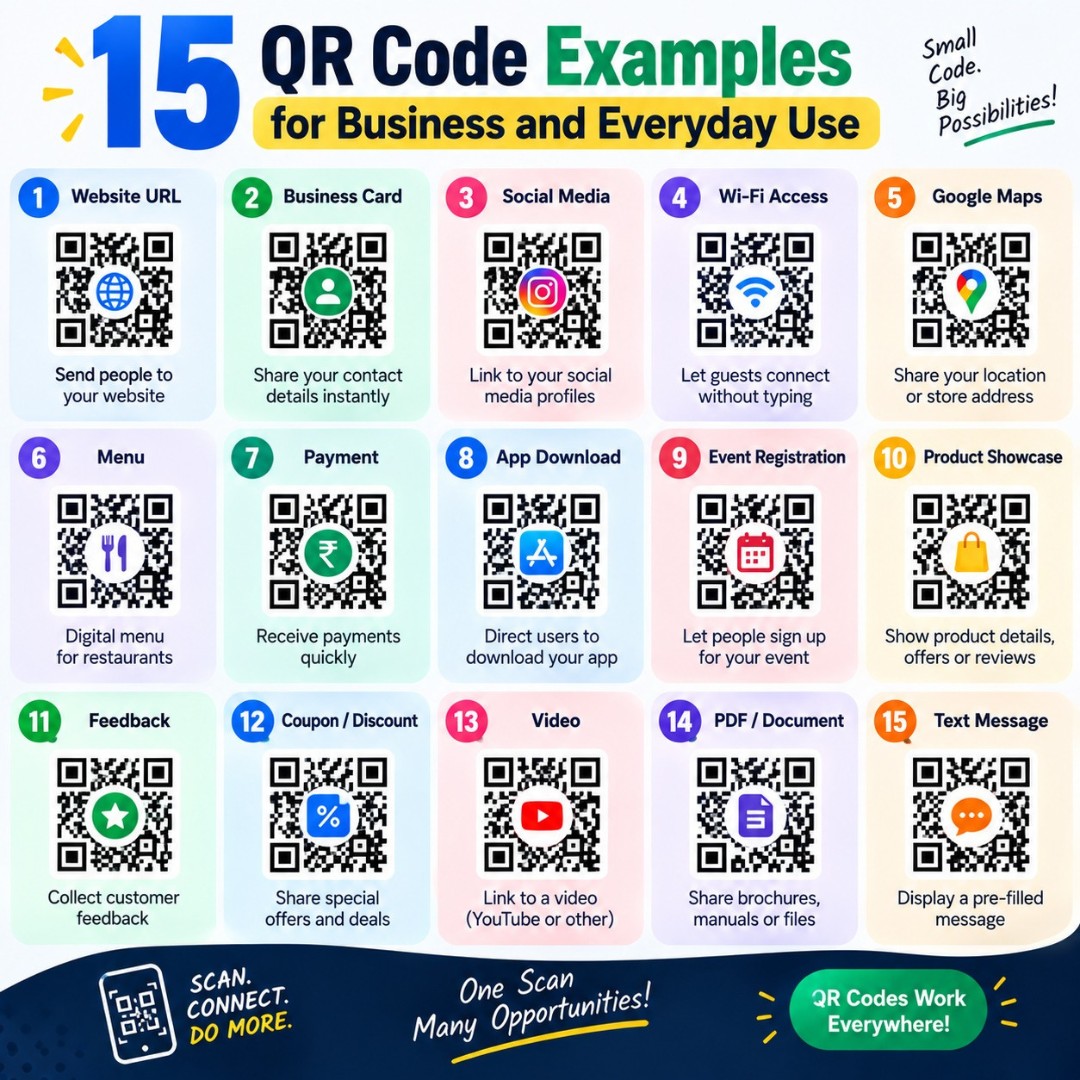
If you're wondering how to use one for your own business or daily life, these QR code examples will give you ideas. For each one, we also mention which QR code type fits, so you can make it right away.
What Is a QR Code Used For?
A QR code is used to share information with a quick phone scan. It can open a website, save a contact, connect to WiFi, start a phone call, send a text message, or show a short note. Businesses use QR codes to cut typing, share details faster, and connect printed material to online pages.
QR Code Examples for Restaurants and Cafes
1. Digital menu on every table
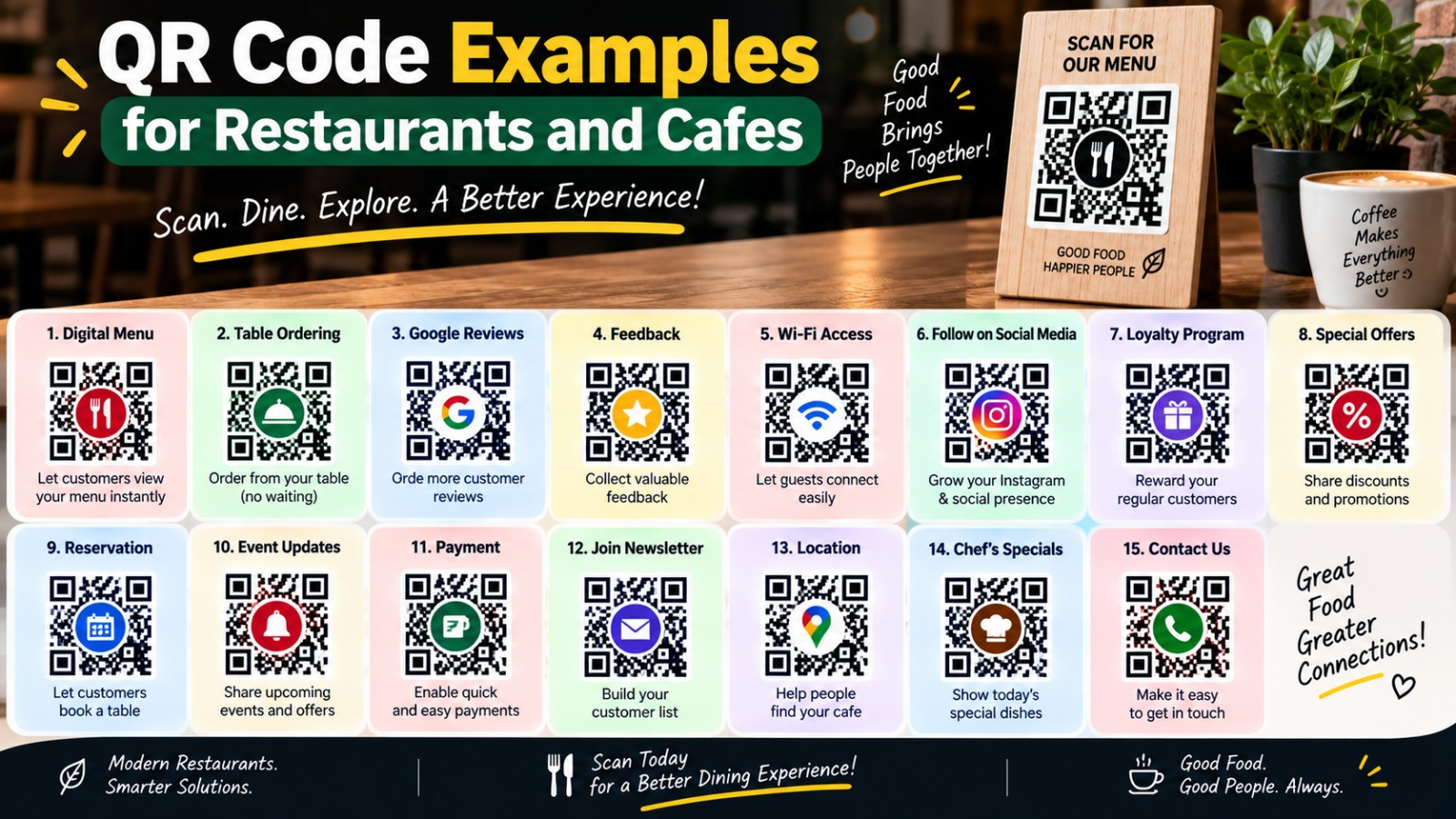
The most common example today. A code on the table opens your menu page. When prices change, you update the web page, not the printed code. Use a URL QR code.
2. WiFi access for guests
Instead of writing the password on a board, or saying it out loud forty times a day, print a WiFi QR code. Guests scan and connect. Use a WiFi QR code with your network name and password.
3. Google review request on the bill
Add a small code on the receipt that opens your Google review page. Happy customers are more likely to leave a review when it takes one scan. Get your review link from your Google Business Profile and use a URL QR code.
QR Code Examples for Retail Shops
4. Product details on packaging
A code on the box can link to how-to videos, ingredient details, or a warranty page. It saves space on the pack. Use a URL QR code.
5. WhatsApp or SMS order code
Put a code on your shop window that opens a pre-written text message, like "Hi, I want to place an order." Customers can reach you even when the shop is closed. Use an SMS QR code.
6. Store location on flyers
Link a code to your Google Maps location, so new customers find you without searching. Use a URL QR code with your Maps link.
QR Code Examples for Events
7. Registration on posters
A code on a poster or banner opens the sign-up form. People register right when they're interested, not later when they forget. Use a URL QR code.
8. Event schedule on name badges
Print a small code on each badge that links to the schedule and hall map. Nobody has to carry paper programs. Use a URL QR code.
9. Speaker contact on the last slide
Speakers can end their talk with a vCard QR code, so the audience saves their contact in one scan. Much better than people frantically typing an email address.
QR Code Examples for Freelancers and Professionals
10. Business card with a vCard QR code
This is one of the most useful QR code examples. Your name, phone, email, company, and website go into the code. Someone scans your card, and your details are saved in their phone. Use a vCard QR code.
11. Portfolio link on a resume
Designers, writers, and developers can add a small code on their resume that opens their portfolio. Recruiters reading a printed copy can jump straight to your work. Use a URL QR code.
QR Code Examples for Schools and Teachers
12. Homework resources on worksheets
A teacher prints a code at the top of a worksheet that opens a YouTube explainer or reading material. Students get extra help without typing long links. Use a URL QR code.
13. Quiz or feedback form in class
Put a code on the board that opens a Google Form. The whole class can answer in a couple of minutes. Use a URL QR code.
Everyday and Personal QR Code Examples
14. Home WiFi for guests
Stick a WiFi QR code on the fridge or near the router. Visiting relatives connect without asking you to spell out a 16-character password again.
15. Emergency contact on a bag or keychain
A plain text QR code with a name and an emergency phone number can help if a bag, or even a pet's collar tag, gets lost. It works without internet because the text is stored inside the code. Use a Text QR code, and keep private details to a minimum.
Quick Table: Which QR Code Type Fits Which Use?
Use | Best QR Code Type |
Menu, website, form, review link | URL |
Guest internet access | WiFi |
Business card or speaker contact | vCard |
Orders or bookings by text | SMS |
Direct calls to a helpline | Phone |
Offline labels and emergency info | Text |
Support or feedback emails |
All of these types are available free on GenerateQRCod.
Tips to Make Your QR Code Examples Actually Work
A great idea fails if the code doesn't scan. So keep a few basics in mind. Always add a short line near the code telling people what they'll get, like "Scan for menu" or "Scan to join WiFi." People scan more when they know why.
Use strong contrast, keep a clean margin around the code, and don't print it too small. Test it with at least two phones before printing a batch. And for print, download the SVG so it stays sharp. Our QR code best practices guide covers this in more detail.
If you design in Canva, you might also like our guide on Canva QR code alternatives.
Final Thoughts
The best QR code examples solve one small problem really well. Pick the one that saves your customers the most typing, and start there. Create your first free QR code on GenerateQRCod in under a minute, and see how many people actually scan it.