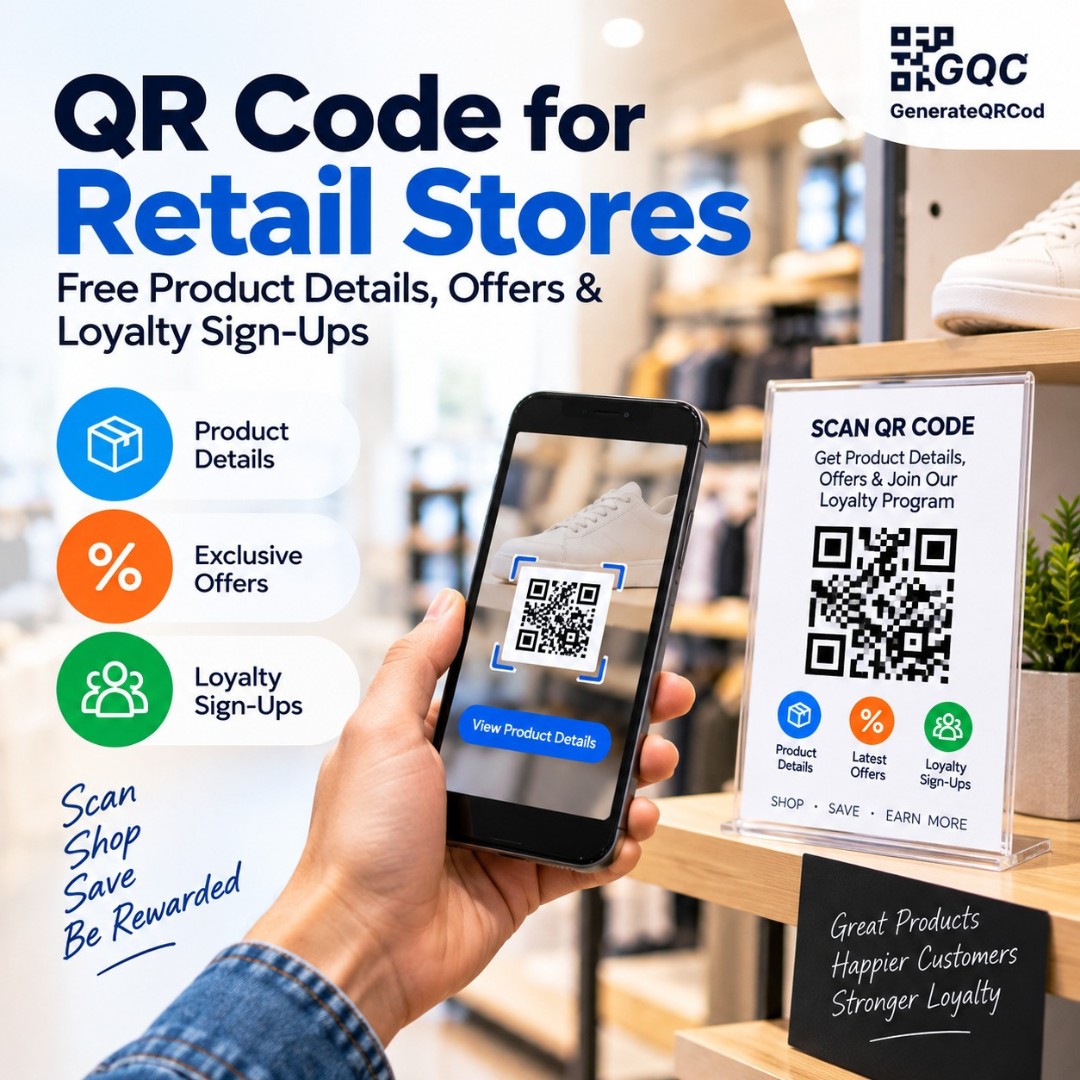
QR Code for Retail Stores: Free Product Details, Offers & Loyalty Sign-Ups

Create free QR codes for your retail store. Share product details, reviews, offers and loyalty sign-ups at the shelf, and take payments without extra hardware.

100% Free No Registration PNG & SVG Download Mobile Friendly
 QR Code for Retail Stores: Free Product Details, Offers & Loyalty Sign-Ups

Free QR Code Generator — Create Custom QR Codes Online

Choose your QR code type, add your content, customize colors and logo, then download your free custom QR code instantly as PNG or SVG — no account, no watermark, no limits.

Your Custom QR Code — Live Preview

Free QR code generated by GenerateQRCod.com — download PNG or SVG

Why Choose Our QR Codes?

Product Details at the Shelf

A shelf tag has room for a name and a price. A code beside it opens full specifications, materials, care instructions and reviews, so a shopper decides without waiting for someone from the floor.

Sell What Isn't on the Shelf

When a size or colour is out of stock, a code takes the shopper to the same item on your website. The sale stays with you instead of moving to the next shop or a marketplace.

Offers Without Printing Coupons

Link a code to a discount page or coupon and change the offer whenever you want. No coupon books, no stickers, no printing a new batch every time a promotion ends.

Loyalty Sign-Ups in Seconds

Point a code at your loyalty form so shoppers join while they wait at the counter. Far more people sign up on their own phone than at a busy till with a staff member typing for them.

Instant Price and Offer Updates

Because the code points to a page, a revised price, a new season's range or an ended promotion is updated once. Every shelf tag and window poster already printed shows the correct version.

Print-Ready Files

Download as SVG for print or PNG for screens. Your codes stay sharp on shelf tags, window decals, danglers, receipts and carry bags at any size, with no blurry edges when the printer scales them up.

How Retail Stores Use QR Codes

Real ways shops and retail chains use QR codes to help shoppers decide faster, recover lost sales and bring customers back.

Product Information

Place a code on the shelf tag linking to full specifications, materials, ingredients or care instructions. The shopper gets the detail without a staff member repeating it all day.

Reviews at the Shelf

Link to the product's review page so shoppers read real opinions where they are standing. Otherwise they search on their phone and often land on a competitor.

Out-of-Stock Recovery

When a size or variant is finished, a code on the empty peg or shelf takes the shopper to the same item online. The order is placed before they leave the store.

Offers & Coupons

Put a code on danglers, end caps and window displays that opens the current offer. Change the promotion from one page instead of reprinting every display.

Loyalty Programme Sign-Up

A code at the counter takes shoppers to your loyalty form. They fill it themselves while packing continues, so the queue does not slow down.

Contactless Payment

Point a code at your UPI ID or payment page so customers pay from where they stand. Useful during festival rush when one card machine is not enough.

Customer Feedback & Reviews

A code on the receipt or exit door opens your Google Business Profile review page. Asking right after a good visit gets far more responses than a message the next day.

Digital Catalogue & Lookbook

Show far more than the floor can hold. A code opens the full range, the new season lookbook or a category catalogue that never runs out of shelf space.

Where to Place QR Codes in Your Store

A code only earns a scan where the shopper has already paused. These are the six positions that work hardest in a retail floor.

Shelf Tags & Shelf Talkers

Best for product details, reviews and size guides. The shopper is already reading the tag, so the code sits exactly where the question forms.

Window Display

Best for offers, catalogue links and store timings. It keeps selling to people walking past after closing hours, which no staff member can do.

End Caps & Product Displays

Best for demo videos and bundle offers on high-consideration items like electronics, appliances and beauty.

Fitting Room

Best for size guides, other colours in the range and a request-another-size form. This is where an apparel sale is won or lost.

Billing Counter

Best for loyalty sign-ups and UPI payment. Shoppers are standing still and have their phone in hand anyway.

Receipt & Carry Bag

Best for reviews, returns information and a next-visit offer. The code keeps working long after the customer has left the store.

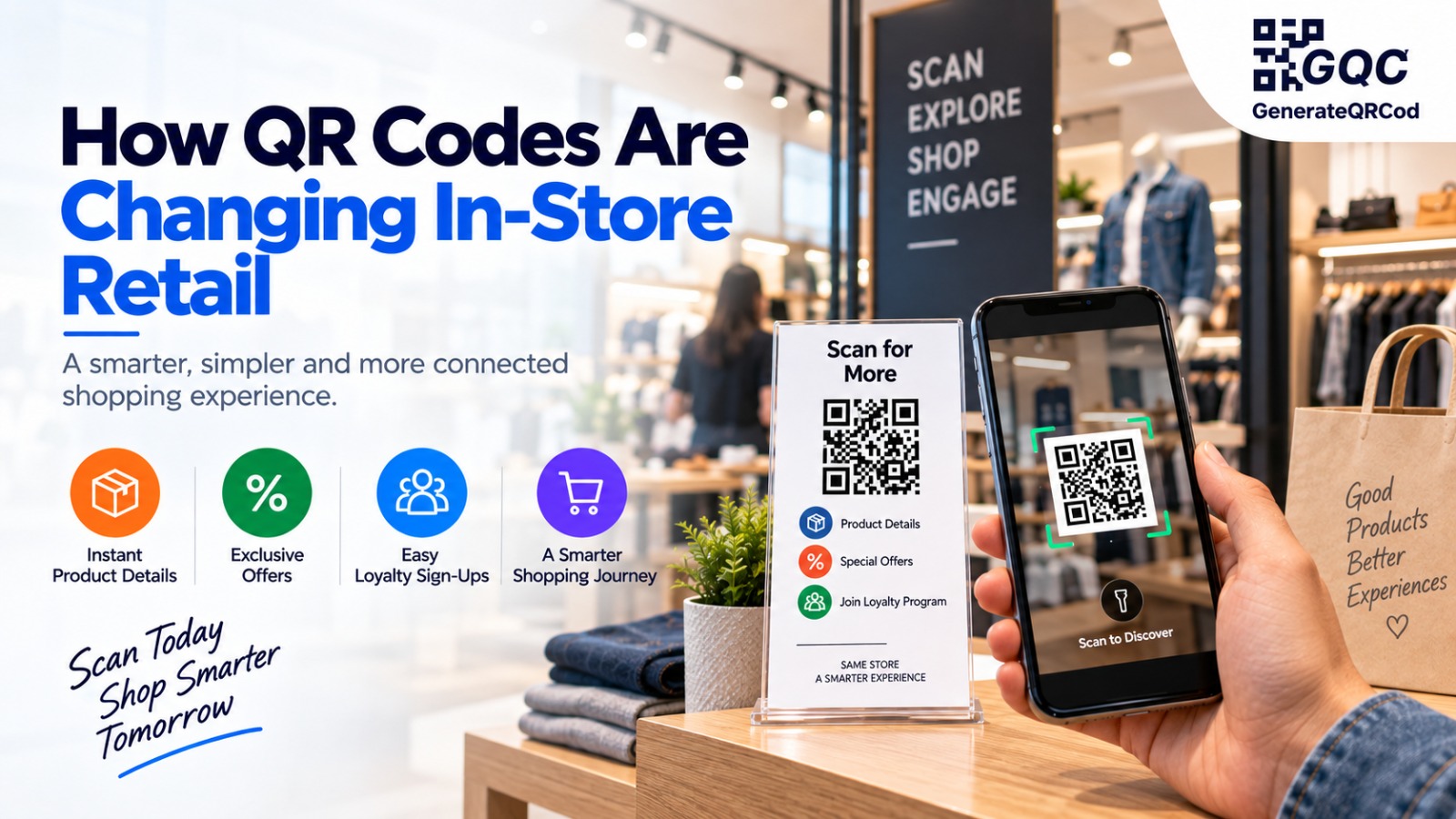
How QR Codes Are Changing In-Store Retail

QR codes let a physical store answer questions at the shelf by connecting shoppers to product details, reviews, offers, loyalty forms and online stock with a single scan removing the wait for a staff member, the printed coupon, and the lost sale when a size is finished.

Retail has a very specific gap. A shopper picks up a product, has a question, and there is nobody free to ask. Some wait. Most put the item back or search on their phone, and the search often ends on a competitor's listing. Every one of those moments is a sale that was already halfway made.

A code at the shelf closes that gap. Specifications, materials, care instructions, size charts and reviews all sit one scan away, and the shopper decides while they are still holding the product. Staff spend their time on customers who genuinely need help instead of repeating the same three answers.

The out-of-stock problem is the clearest win. An empty peg used to mean a lost sale and an unhappy customer. A code on that peg takes the shopper to the same item on your website, and the order is placed before they walk out. The store keeps the sale even when the shelf could not.

Promotions get cheaper too. Because the code points to a page rather than to fixed content, an offer that ends on Sunday can be replaced on Monday without reprinting a single dangler or window poster. Seasonal ranges, festival pricing and clearance rounds are all handled from one page.

The scan also tells you something that footfall never did. Different codes on shelf tags, window displays and receipts show which surfaces shoppers actually engage with, so print budgets follow evidence instead of habit.

Whether you run a single neighbourhood shop, a fashion showroom, a supermarket or a chain across several cities, QR codes give you one flexible way to connect a shopper standing in the aisle to whatever would move them closer to buying.
Built for the Way Your Store Runs

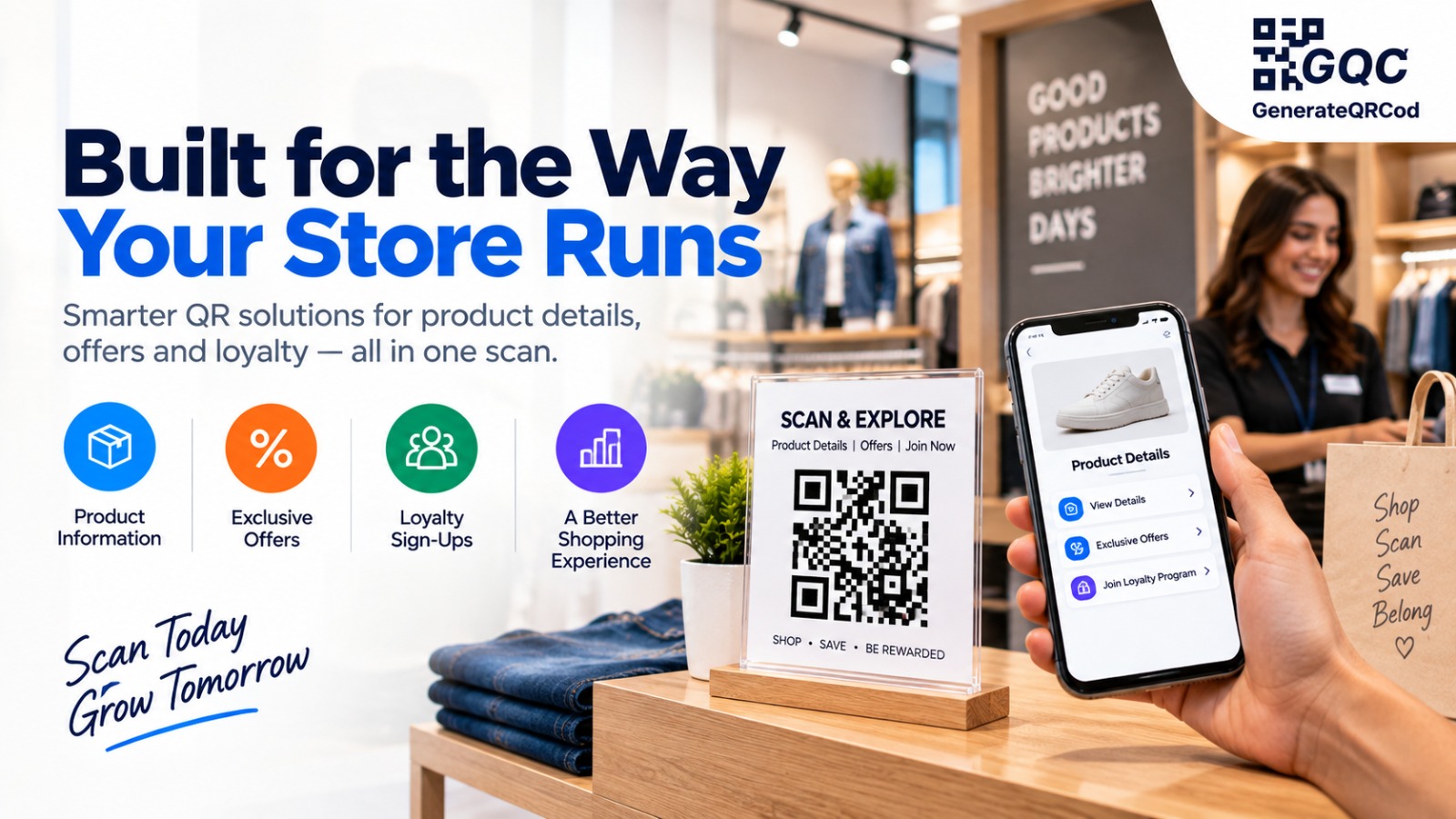
Built for the Way Your Store Runs

QR codes should work with the shelves, tags, counters and billing system you already have, not ask your team to manage another platform. These are built to fit into a working retail floor.

  • Answer Questions Without Staff - shoppers get specifications, reviews and size charts on their own phone.

  • Keep Prices and Offers Current - update promotions from one page with no reprinting.

  • Recover Out-of-Stock Sales - send the shopper to the same item online before they leave.

  • Learn What Actually Works - separate codes per display show where shoppers really engage.

10K+
QR Codes Created
4K+
Retail Stores Served
1M+
Monthly Scans
50+
Countries Served

How It Works

Three simple steps to create and start using QR codes in your retail store.

01

Create Your QR Code

Pick your QR type and add your content - a product page, offer page, loyalty form, catalogue PDF or payment link. No account needed.

02

Customise & Place It

Match the code to your store branding with your own colours and logo, then download it as a PNG for screens or an SVG for print. Place it on shelf tags, window displays, fitting rooms, counters and receipts.

03

Test & Track

Scan the code yourself on both an Android and an iPhone before printing at scale. Check it works under your actual store lighting, then keep the linked page updated as prices and stock change.

Which QR Code Type Should Your Store Use?

QR TypeUse It ForWhere to Place It
URL / WebsiteProduct pages, offers, online stockShelf tags, empty pegs, window
UPI / PaymentContactless billing without a card machineBilling counter, mobile till
PDFCatalogue, lookbook, warranty termsEnd caps, counter, carry bag
VideoProduct demos and how-to guidesElectronics and appliance displays
FormLoyalty sign-up, size request, feedbackCounter, fitting room
Google ReviewCollecting store ratingsReceipt, exit door, counter
Social MediaGrowing your Instagram followingWindow, danglers, carry bag
WiFiGuest WiFi in large stores and mallsSeating area, trial room lounge

How to Tell Whether Your Store QR Codes Are Working

What to CheckWhat It Tells YouWhat to Do Next
Scans per placementWhich surface shoppers actually noticeMove budget to the ones people use
Scans by time of dayWhen your floor is busiest with questionsStaff those hours differently
Scans with no purchaseThe page is not closing the decisionRewrite the page or add reviews
Empty-peg code scansHow much stock loss is costing youReorder the sizes that lose sales
Loyalty form completionsWhether the counter code worksChange the wording beside the code
Offer page scans after it endsOld displays are still on the floorUpdate the page, not the print
Review page scans vs new reviewsWhether the ask is placed wellTry the receipt instead of the door
Scans per store branchWhich locations use the codes properlyRetrain the branches with low scans

QR Code vs Printed Shelf Signage

FactorQR Code at the ShelfPrinted Signage Only
Changing a price or offerEdit the linked pageReprint every tag and dangler
Cost per campaign changeNonePrinting cost each time
Amount of detail possibleUnlimited, including videoWhatever fits on the card
When the item is out of stockSends the shopper onlineSale is lost
Product reviewsAvailable at the shelfNot possible
Multiple languagesAll on the same pageA separate printed version each
Measuring shopper interestScan data availableNone
Setup time for a new offerMinutesDays, including design and print
Works without internetNeeds mobile data or WiFiYes
Shopper familiarityHigh, most people scan dailyUniversal

Best Practices

Do This

  • Say what the shopper gets, such as "Scan for Size Guide" or "Scan for Today's Offer."
  • Print at 2 cm x 2 cm minimum on shelf tags, much larger on window displays.
  • Use a separate code per placement so you can see which one earns its space.
  • Test on both Android and iPhone before printing in bulk.
  • Check the linked page loads fast on mobile data - store WiFi is not what shoppers use.

Avoid This

  • Don't send every code to your homepage - shoppers will not search for the product themselves.
  • Don't place codes where a shopper has to reach over a display to scan.
  • Don't leave an ended offer live - a shopper who scans a dead promotion does not scan again.
  • Don't cover or distort the code with a logo larger than about 30% of its area.
  • Don't print codes on high-gloss laminate - store lighting reflects off it and blocks scans.

QR Codes for Every Kind of Retail Store

The same code does a different job depending on what you sell. Here is where each type of store gets the most value.

Fashion & Apparel

Highest value in fitting rooms and on hang tags - size charts, other colours in the range and a request-another-size form.

Electronics & Appliances

Demo videos, full specifications and comparison pages on end caps, where shoppers spend the longest deciding.

Grocery & Supermarkets

Ingredient details, allergen information, recipe ideas and weekly offer pages on aisle danglers and shelf tags.

Furniture & Home

Room views, dimensions, fabric options and delivery timelines - most of which will never fit on a floor label.

Pharmacy & Wellness

Usage instructions, dosage details and authenticity checks, printed on shelf strips and at the counter.

Jewellery & High-Value Retail

Certification details, care instructions and an appointment booking link for a private viewing.

Frequently Asked Questions

Ready to create your custom QR code?

Join thousands of businesses using GenerateQRCod for their marketing needs. 100% free, forever.

Start Generating Now →