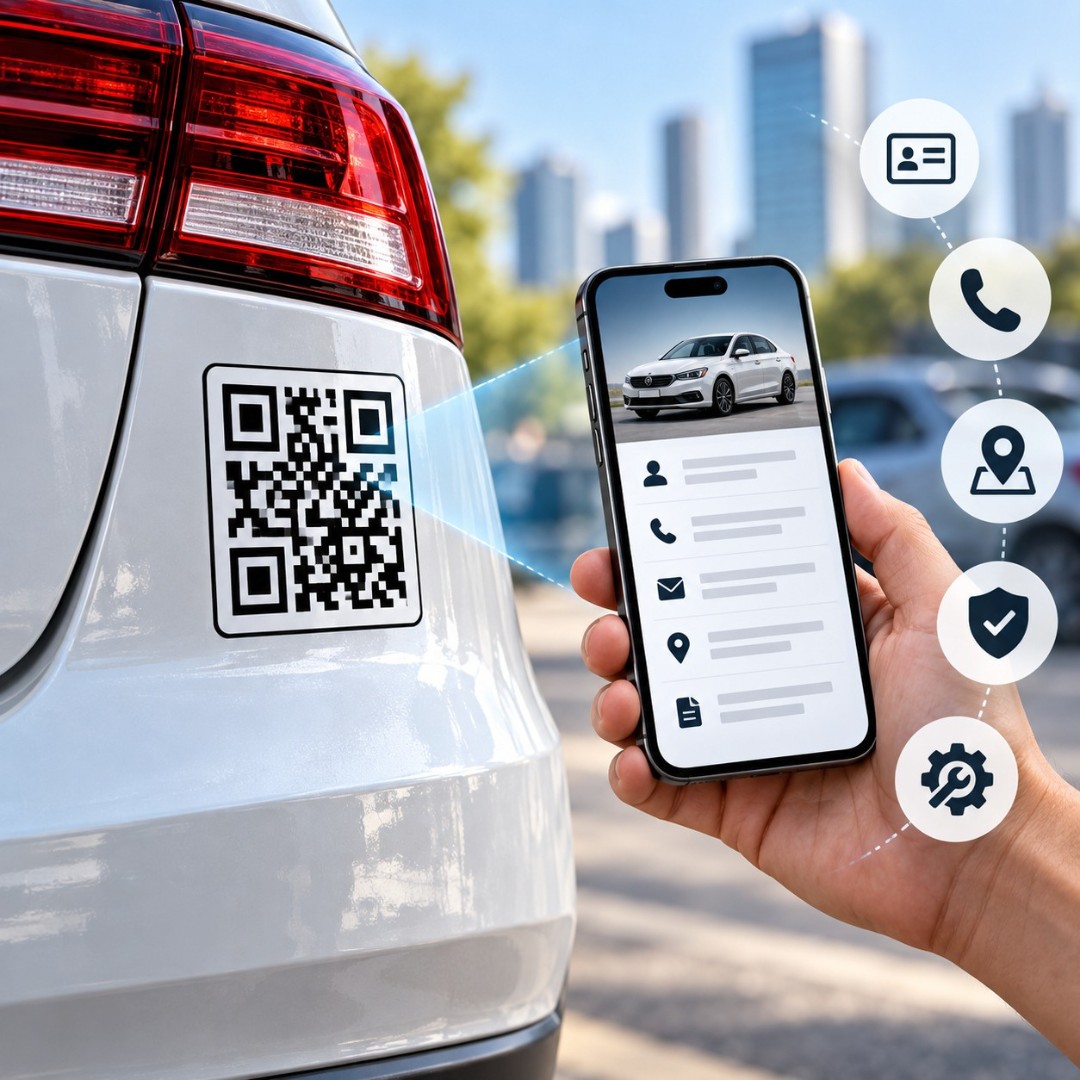
You are stuck at a signal. The car in front has a small white sticker on the rear glass — "This car is for sale. Scan for price and photos." You scan it out of boredom. Twenty seconds later you know the model year, the kilometres, the service history, and the owner's number.
No board. No phone number painted on the glass. No calling to ask basic questions.
That sticker is a vehicle QR code, and it is one of the cheapest marketing tools a car or van owner can put to work.
What is a vehicle QR code?
A vehicle QR code is a scannable code placed on a car, van, truck, bike or auto that opens a web page when someone points a phone camera at it. It turns the vehicle into a signboard that people can tap through — a sale listing, a menu, a contact card, a payment page or a booking form.
That last part is what makes it different from paint or vinyl lettering. A phone number on a tempo tells you one thing. A code tells you everything, and it tells it to the person while they are still standing next to the vehicle.
And people scan far more than they call. Calling means talking to a stranger. Scanning means nobody has to know you looked.
Static or dynamic — which one should go on a vehicle?
Short answer: it depends on how often the destination will change.
A static QR code stores the link inside the pattern itself. It never expires, it does not depend on any account staying alive, and it works forever. But the link is baked in. If you want it to point somewhere else, you print a new sticker. For a vehicle that permanently points to your website or your Google Maps listing, static is honestly the smarter and simpler choice — and you can make unlimited static codes with a good free QR code generator without paying anything.
A dynamic QR code stores a short redirect instead. Same printed sticker, different destination whenever you want, plus scan data. That flexibility matters if you run a fleet, change offers every month, or expect to update a listing.
So: one-time destination, go static. Changing offers, go dynamic.
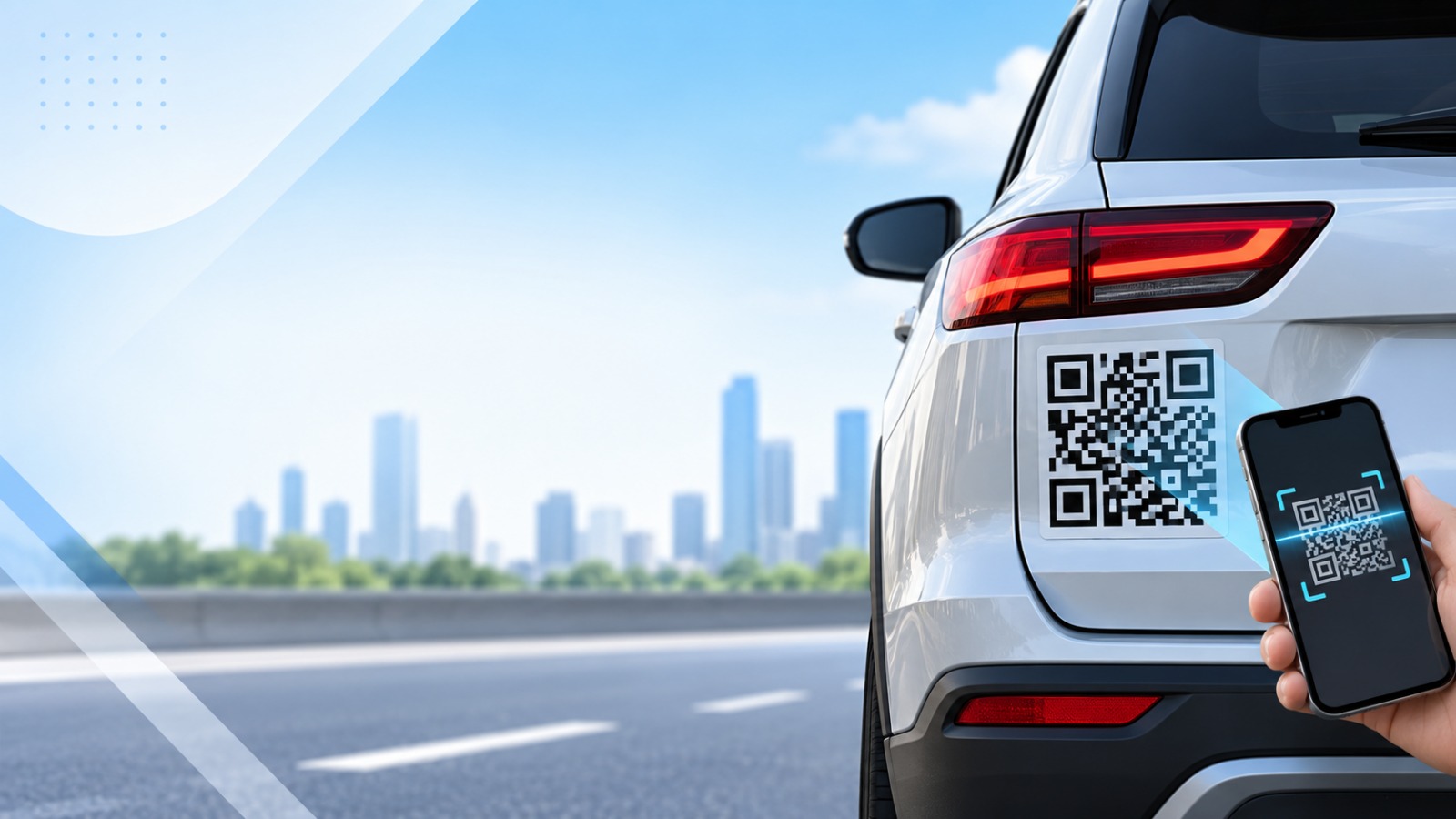
7 real ways people use QR codes on vehicles
Selling a car privately
The strongest use case, by far. Rear windshield, bottom-left corner, code linking to a page with photos, price, kilometres, insurance validity and RC status. Buyers filter themselves out before they ever ring you, which means fewer time-wasting calls at 11 pm.
Advertising a shop or service from a delivery vehicle
A bakery van in Chandigarh doing four deliveries an hour is parked in front of a different building all day. A code on the side panel that opens a 10% first-order coupon converts that parking time into orders. Use one code per vehicle if you want to know which route pulls best.
Sharing contact details without a visiting card
Plumbers, electricians, AC technicians, painters, packers and movers — anyone whose work van sits outside a building for two hours. A vCard code saves your name, number, email and business straight into the person's phone. No card to lose, no number to type wrong. Add a line under it: Scan to save our number.
Emergency medical information
A small code on the driver-side window that opens a page with blood group, allergies and two emergency contacts. It sounds dramatic until you need it. Keep the page login-free, otherwise it is useless to a responder.
Collecting payments and tips in taxis and rideshares
Headrest sticker, UPI link behind it, one line of text. Passenger scans, pays, leaves. Works for autos, cabs and food carts equally well.
Fleet, delivery and service tracking
Point the code at a live tracking page, a proof-of-delivery form or a booking slot. Field service teams put it on the tailgate so a customer books the next visit while the technician is still packing up.
Dealership and rental cars
Every car on the lot gets its own window code — specs, price, finance options, test-drive booking. A customer who walks past the showroom at 9 pm after closing can still see everything. Rentals use the same idea for check-in steps, fuel policy and damage reporting.
How to create a vehicle QR code for free
You do not need an account or a subscription for this. GenerateQRCod is a browser-based tool — you open it, make the code, download it, done.
Step 1. Open the custom QR code generator and pick your type. URL for a listing or website, vCard for contact details, Phone for a direct call, WiFi if it is a food truck.
Step 2. Paste your link or fill in the details. The preview updates live, so you see the code forming as you type.
Step 3. Brand it. Set the foreground and background colours to match your business, then upload your logo using the QR code generator with logo feature. Keep the logo small — roughly 20% of the code width — so scanning stays reliable.
Step 4. Set error correction to H (High). This is the step most people skip and later regret. High correction means the code still scans after a scratch, a bit of road dust, or a peeling corner.
Step 5. Download. Choose SVG if it is going for print, vinyl or a large wrap, because SVG stays sharp at any size. Choose PNG only for screens or very small stickers.
Then — and please do not skip this — scan the downloaded file with two different phones before sending it to the printer. An Android and an iPhone. Ten seconds of testing saves you a sticker that rides around town for three weeks pointing to a broken link.
Size, material and placement that actually scans
The size rule is simple: 1:10. Whatever distance people will scan from, the code should be one-tenth of it. Scanning from 10 feet away means printing it close to 1 foot wide. Most vehicle QR codes fail for this one reason alone — they were printed the size of a visiting card and stuck on a moving vehicle.
Dark code on a light background. Always. Inverted colours and pastel-on-pastel look great in a design file and then confuse half the cameras that try to read them.
Leave a clear white margin on all four sides — at least four modules wide. Artwork crowding the edge is the second most common cause of a silent scan failure.
For material: laminated vinyl for anything permanent, because sun and monsoon will destroy an unlaminated print in one season. Magnetic sheet if you want it removable — good for leased cars or part-time branding. Inside-glass cling for a temporary "for sale" code, since the glass protects it and it peels off cleanly once the car sells. Add a UV laminate on top of all of them.
Placement: rear windshield lower corner, rear bumper area, or the flat side panel. Never over the number plate, never over the chassis number, and never anywhere that blocks the driver's view of the road.
Rules to check before you stick it on
Vehicle marking and window-covering rules are not the same everywhere. In India, tinting and obstruction rules under the Motor Vehicles Act apply to your windscreen and windows, and commercial vehicles carry additional signage conditions set by the state RTO. Check the official transport portal at parivahan.gov.in or ask your RTO before you commit to a large wrap.
Also leave your car's factory codes alone. Newer vehicles carry codes in the door jamb and owner's manual for service and registration — cover those and you create a problem for the next person who needs to read them.
Put your first vehicle QR code on the road
A vehicle QR code costs almost nothing and works while you are parked, driving, or asleep. Pick one goal, generate the code, print it laminated at the right size, and stick it where people can actually see it from ten feet.
That is the whole job.
Make yours in under a minute with the best QR code generator online — free forever, no account, logo and colour support, PNG and SVG download.