There is a dental clinic near my office with genuinely excellent doctors. Eleven Google reviews.
Two streets away, an average clinic has 340.
Guess which one shows up first when someone searches “dentist near me”. Guess which one gets the walk-in.
The good clinic is not doing anything wrong with its treatment. It is just never asking. And on the rare day someone does ask, the patient says “yes sure”, walks out, and forgets by the time they reach the parking.
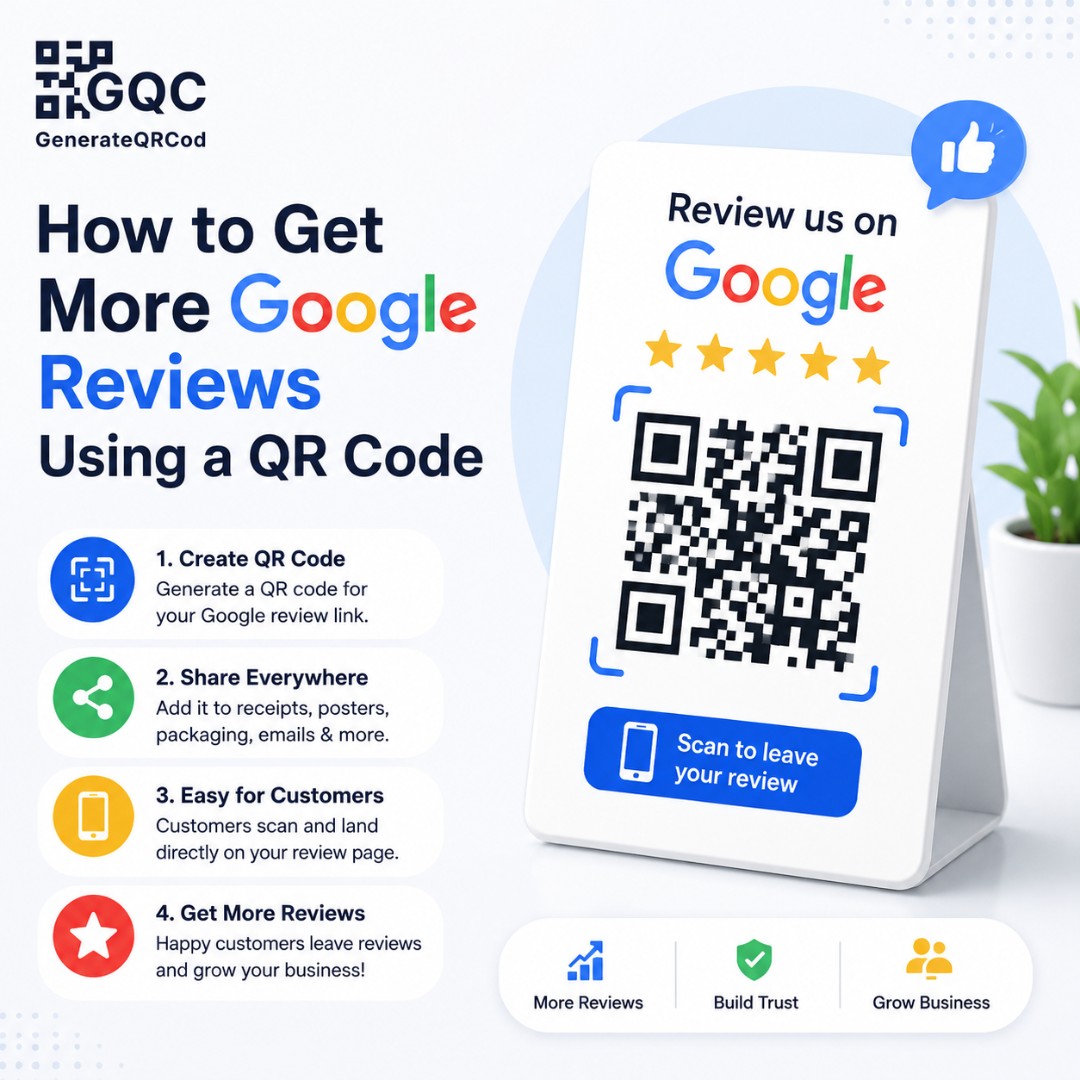
A QR code fixes exactly that gap — the distance between a happy customer saying yes and actually typing the review. Here is how to set it up properly.
How do you get more Google reviews using a QR code?
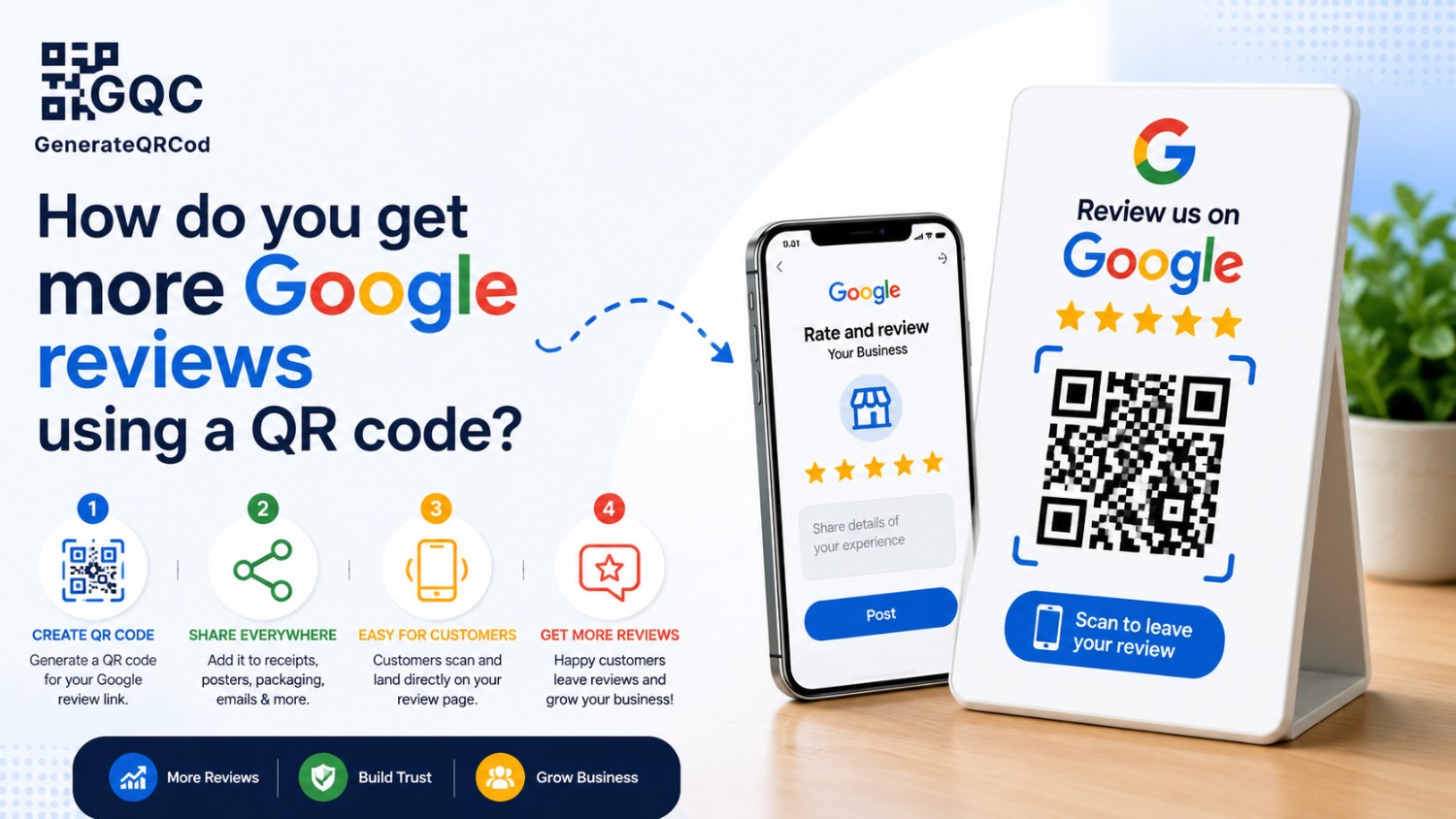
Copy your Google review link from your Google Business Profile, convert it into a QR code using a free generator, print it on a small card, and place it where customers finish their visit. Scanning opens the review box directly, so the customer only has to tap stars and type.
That is the whole system. The details below are what decide whether it actually works.
Why Google reviews decide who gets the call
Review count and rating are among the strongest signals for local search rankings. They influence whether you appear in the map pack — those three business listings that sit above the normal results.
But ranking is only half of it. Even when two businesses appear side by side, most people scan the star ratings first and tap the one with more reviews. A 4.6 with 200 reviews beats a 5.0 with 6 almost every single time, because volume reads as proof.
Fresh reviews matter as well. Twenty reviews from three years ago suggest a business that used to be good.
Step 1: Get your Google review link
Sign in to your Google Business Profile — either through Google Search by typing your business name while logged in, or through the Business Profile Manager.
Look for the option to ask for reviews or share a review form. Google gives you a short link built specifically for this, usually in the g.page format. That link opens the review window directly with the star rating ready.
Copy it exactly as it is. Do not use your Maps listing URL instead — that opens your profile page, and the customer then has to scroll, find the review button, and tap again. Every extra tap loses people.
Test the link on your own phone first. It should open straight to the star selector.
Step 2: Turn the link into a QR code
Open a QR code generator, choose the URL type, and paste your review link.
Add your logo in the centre if you want the card to look branded, and set error correction to level H when you do. Keep the code dark on a light background — inverted or low-contrast codes fail on a lot of phone cameras, and a code nobody can scan is worse than no code at all.
Download it as SVG for printing. SVG is vector, so the same file stays sharp on a small counter card and on a large standee. PNG is fine for WhatsApp and social posts.
Then scan the printed sample yourself before ordering a hundred of them.
Step 3: Put the code where the customer already is
This is where most businesses go wrong. The code ends up on a wall behind the counter, at eye level for staff and invisible to everyone else.
Place it where the visit ends and the customer is standing still.
Where to place the code | Why it works there |
|---|---|
Billing counter card | The customer is standing still and the service just ended |
Printed bill or invoice | Goes home with them and gets looked at again |
Restaurant table tent | Sits in front of them through the whole meal |
Delivery box or packing slip | Unboxing is the moment people feel happiest |
Service job card | Handed over right after the work is finished |
WhatsApp message image | Reaches people who already left the shop |
Staff visiting card | Turns a personal interaction into a named review |
Small acrylic stands work better than posters. They sit at hand height, and people pick them up.
Step 4: Ask at the right moment
The card alone will collect some reviews. A card plus a spoken request collects far more.
Ask when the customer has just expressed happiness — after they say the food was good, after the repair works, after the treatment goes well. That window is short, maybe a minute long, and it closes the moment they start looking for their keys.
Train the team on one sentence. Something like: “If you had a good experience, would you mind scanning this and leaving a quick review? It genuinely helps us.”
No pressure, no long explanation. And if the customer looks unhappy, do not ask at all — fix the problem instead.
Step 5: Write the right words on the card
A bare QR code gets ignored because nobody knows what it does. Add one clear line above it.
“Scan to leave us a Google review — takes 20 seconds”
“How did we do today? Scan and tell us”
“Scan, tap the stars, done”
Mentioning the time it takes removes the biggest objection people have, which is that it will be long and complicated. Add a small star graphic if there is space. Keep the whole card simple.
Mistakes that get reviews removed
Do not offer discounts, free items, or lucky draw entries in exchange for reviews. Incentivised reviews go against Google policy, and when they are detected the reviews get deleted — sometimes along with genuine ones.
Do not filter customers before asking. Showing the review code only to happy customers, or asking unhappy ones to fill a private form instead, is called review gating and it is not allowed.
Do not collect twenty reviews in one afternoon from the same WiFi network. A sudden spike from one location looks unnatural and often gets flagged.
And never buy reviews. It is the fastest way to lose a listing that took years to build.
Steady and honest wins here. Five real reviews a week beats fifty fake ones in a day.
Reply to every review you get
Replies are visible to everyone reading your profile, and they show a business that pays attention. Thank the good ones briefly. Answer the bad ones calmly, without arguing, and offer to fix the issue offline.
A well-handled one-star reply has convinced more customers than most five-star reviews ever will.
Make your Google review QR code now
Paste your Google review link into our free qr code generator, add your logo, and download it in SVG for printing or PNG for WhatsApp. No sign-up, no watermark, and no limit on scans.
Print one card. Put it on the counter. Ask one customer today.
That clinic with eleven reviews could have had three hundred by now.