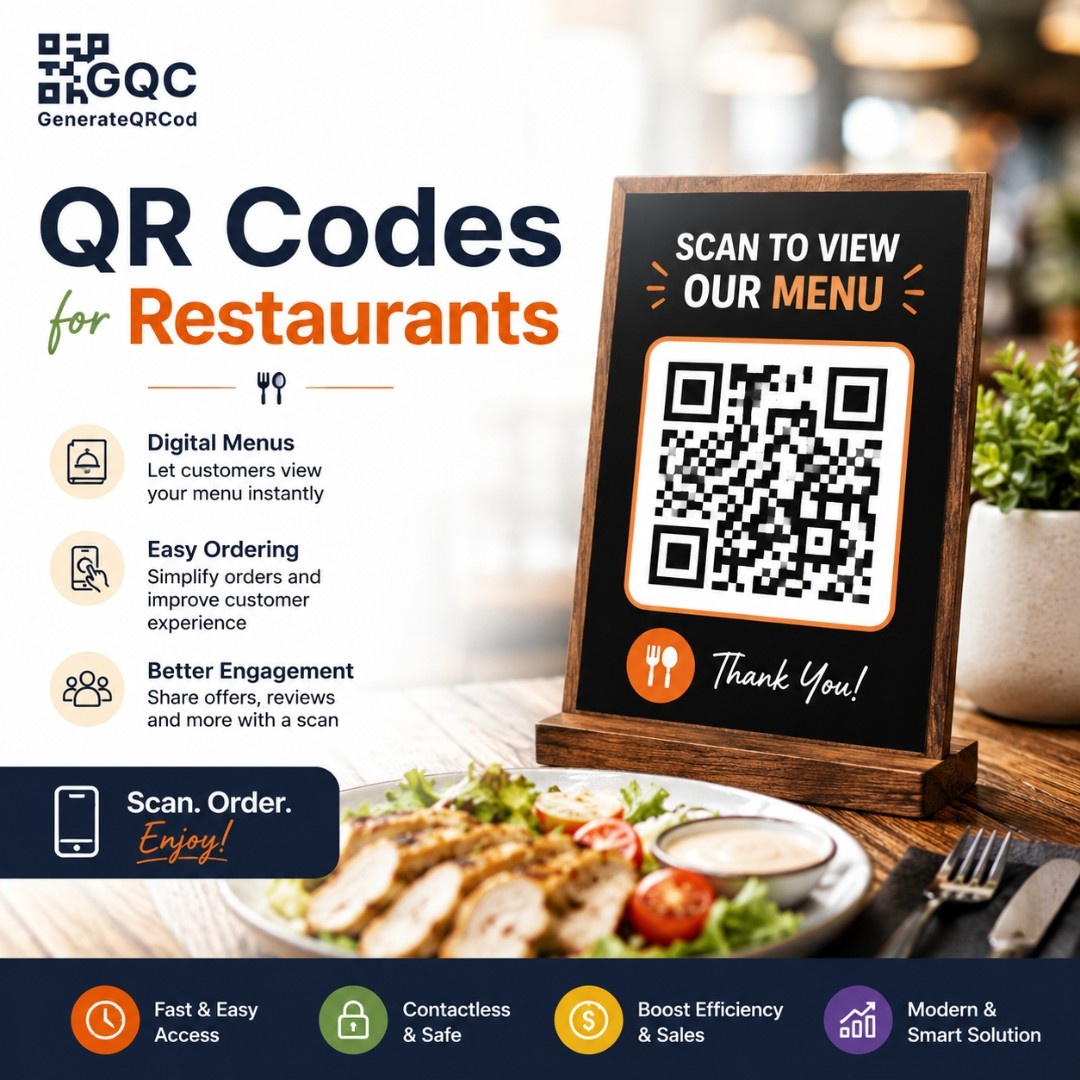
QR Codes for Restaurants & Cafes

QR Code for Restaurant & Cafes: Free Digital Menu, Ordering & Payments

Create QR codes for restaurants to offer digital menus, online ordering, table service, payments, promotions, and a seamless contactless dining experience.

100% Free No Registration PNG & SVG Download Mobile Friendly
QR Code for Restaurant & Cafes: Free Digital Menu, Ordering & Payments

Free QR Code Generator — Create Custom QR Codes Online

Choose your QR code type, add your content, customize colors and logo, then download your free custom QR code instantly as PNG or SVG — no account, no watermark, no limits.

Your Custom QR Code — Live Preview

Free QR code generated by GenerateQRCod.com — download PNG or SVG

Why Choose Our QR Codes?

Digital Menus

Guests scan once and see your full menu on their own phone. No app to download, no printed card to hand over, no waiting for a server to bring one.

Easy Online Ordering

Link your QR code straight to your ordering page so customers can browse dishes, add items and send the order to your kitchen without leaving the table.

Contactless Payments

Point your code at a UPI link or payment page and let guests settle the bill from their seat. Fewer card machine trips, faster table turnover.

Table-Specific QR Codes

Generate a separate code for every table so orders arrive with the table number already attached. No mix-ups, no staff running back to ask who ordered what.

Instant Menu Updates

Sold out of the paneer? Changed a price? Update the linked page and every printed code reflects it immediately - no reprinting, no stickers over old prices.

Print-Ready Files

Download as SVG for print or PNG for screens. Your codes stay sharp on table tents, menu cards, posters and window decals at any size — no blurry edges when the printer scales them up.

How Restaurants & Cafes Use QR Codes

Real ways restaurants and cafes use QR codes to speed up service, cut printing costs and give guests a smoother experience.

Digital Menu Access

Place a code on each table so guests view your current menu the moment they sit down, complete with photos and dish descriptions.

Table Ordering

Guests order food and drinks straight from their phone. Useful during peak hours when staff cannot reach every table quickly.

Online Food Ordering

Connect your code to your takeaway or delivery page so walk-past customers and packaging inserts both drive repeat orders.

Contactless Payment

Let guests pay when they are ready instead of waiting for the bill. Turns tables faster on busy evenings.

Special Offers & Discounts

Put a code on table tents or receipts linking to happy hour deals, weekday offers or a loyalty sign-up page.

Customer Reviews

Point a code at your Google Business Profile review page and ask for feedback while the meal is still fresh in mind. Easier than asking guests to search for you later.

WiFi Access

Share your guest WiFi with a scan instead of writing the password on a chalkboard. Guests connect in seconds, and you stop repeating the password twenty times a shift.

Table Reservations

Link a code on your window, receipts or social posts to your booking page so passers-by and past guests can reserve a table without calling during service hours.

Frequently Asked Questions

How QR Codes Are Transforming Restaurants & Cafes

QR codes help restaurants and cafes serve guests faster by connecting them to digital menus, ordering, payments, reviews and offers with a single scan - removing the printed menu, the wait for a server, and the reprint cost every time a price changes.

QR codes solve a specific set of everyday restaurant problems. A guest sits down and waits for a menu. A price changes and 200 menus need reprinting. A table is ready to pay but the card machine is on the other side of the floor. Each of those is a small delay, and together they shape how a meal feels.

A menu QR code removes the first one. Guests scan and browse immediately, which matters most during the lunch rush when every minute at a table counts.

The reprinting problem disappears too. Because the code points to a page rather than to fixed content, you update the page and every code already printed on your tables shows the new version. Seasonal menus, sold-out items, revised prices — all handled without a trip to the printer.

Table-specific codes go a step further. Each table gets its own code, so an order arrives in the kitchen already tagged with where it came from. Staff spend less time confirming who ordered what and more time on service.

Beyond ordering, restaurants use QR codes for loyalty sign-ups, review collection, reservation links and promotions. A code on a receipt or takeaway bag keeps working long after the guest has left.

Whether you run a single cafe, a busy multi-floor restaurant, a food truck or several outlets, QR codes give you one flexible way to connect guests to whatever they need next.
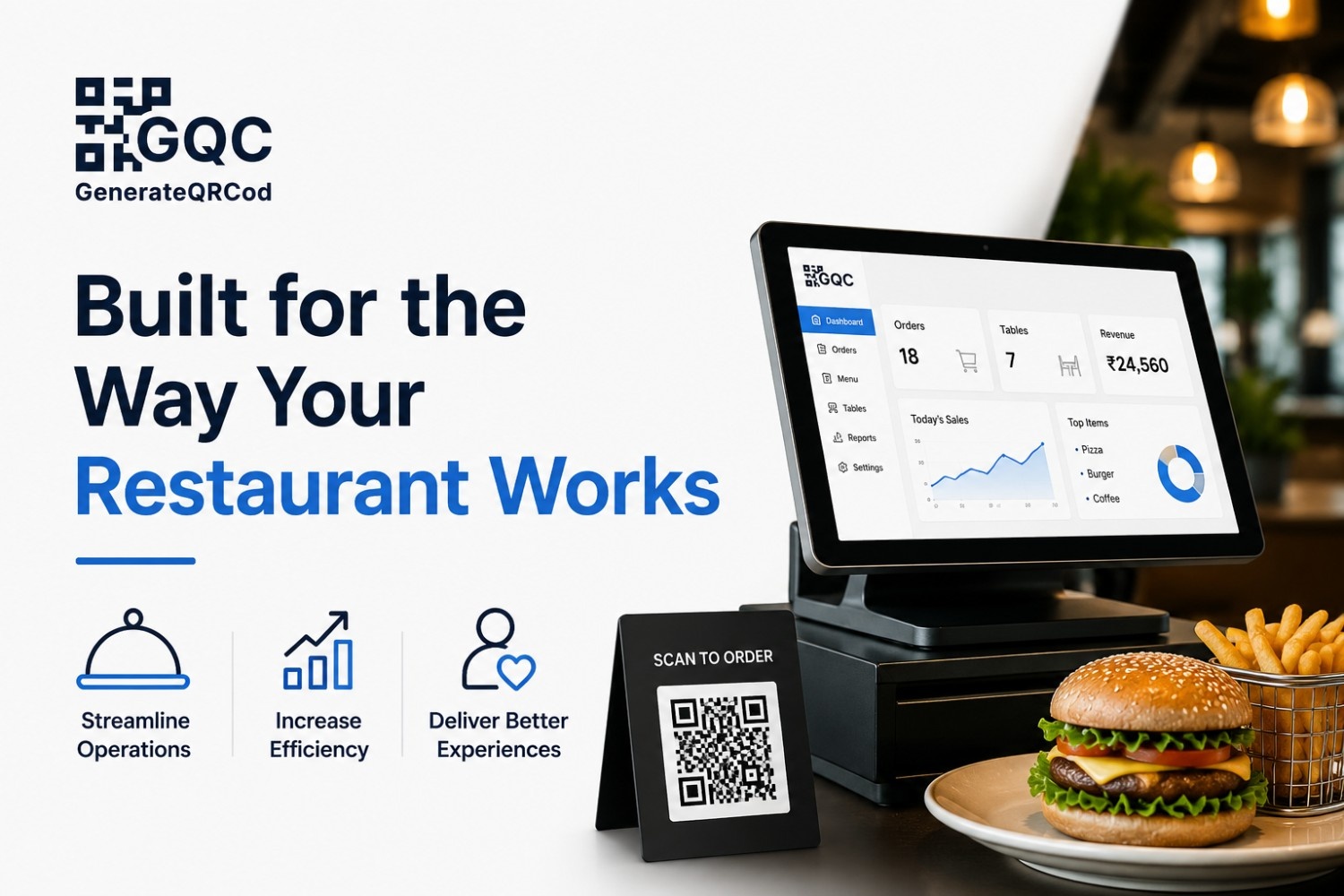
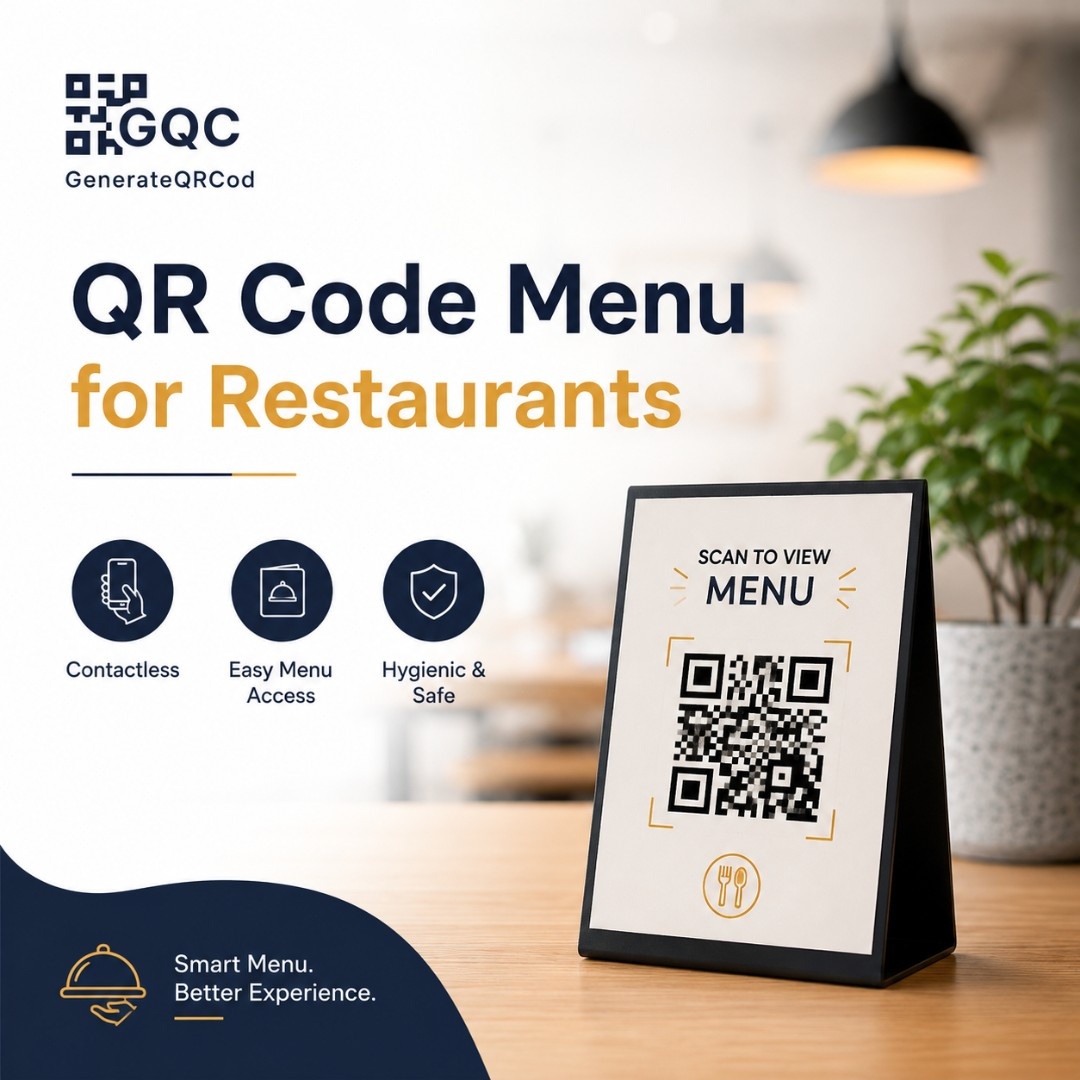
Built for the Way Your Restaurant Works

Built for the Way Your Restaurant Works

QR codes should fit into how your restaurant already runs, not add another system for your team to manage. These are built to work with the tables, menus, counters and packaging you already have.

  • Simplify Service — guests get menus and place orders without waiting for staff to become free.

  • Keep Menus Updated—change dishes, prices and offers from one page, with no reprinting.

  • Improve Customer Experience — a contactless, familiar way for guests to interact with your restaurant.

  • Connect Every Table—unique codes per table so orders and service requests arrive already identified.

By the Numbers

10K+
QR Codes Created
5K+
Restaurants & Cafes Served
1M+
Monthly Scans
50+
Countries Served

How It Works

Three simple steps to create and start using QR codes in your restaurant or cafe.

01

Create Your QR Code

Pick your QR type and add your content - a digital menu link, ordering page, payment link, promotion or review page. No account needed.

02

Customize & Place It

Match the code to your brand with your own colours and logo, then download it as a PNG for screens or an SVG for print. Place it on tables, menus, counters, receipts or packaging.

03

Test & Track

Scan the code yourself on both an Android and an iPhone before printing at scale. Check it works in your actual lighting, then keep the linked page updated as your menu changes.

QR Code vs Printed Menu

FactorQR Code MenuPrinted Menu
Updating prices or dishesInstant edit the linked pageRequires a full reprint
Cost per updateNonePrinting cost each time
Setup timeMinutesDays, including design and print turnaround
Adding photos of dishesUnlimited, in full colourIncreases print cost significantly
HygieneNo shared handlingPassed between guests
Damage and wearReprint one small codeReplace the whole menu
Multiple languagesAdd on the same pageA separate printed version each
Tracking guest interestScan data availableNone
Works without internetNo needs mobile data or WiFiYes
Guest familiarityHigh, but some prefer paperUniversal

Best Practices

Add a clear instruction next to the code, such as "Scan to View Menu" or "Scan to Order."

  • Print at 3 cm x 3 cm minimum for table codes, larger for posters and window displays.
  • Test on both Android and iPhone before printing in bulk.
  • Keep good contrast dark code on a light background scans most reliably.
  • Check the linked menu page loads fast on mobile data, not just on WiFi.

Don't place codes on cluttered surfaces or anywhere guests have to stretch to reach.

  • Don't make the code too small to scan comfortably from a seated position.
  • Don't let the linked menu show outdated prices or items you no longer serve.
  • Don't cover or distort the code with a logo larger than about 30% of its area.
  • Don't laminate with a high-gloss finish glare under restaurant lighting stops scans.

Related Reading

QR Code Menu for Restaurants: Complete Setup Guide
QR Insights
Aug 11, 2026

QR Code Menu for Restaurants: Complete Setup Guide

Learn how to create a QR code menu for restaurants in minutes. Setup steps, print sizes, costs and honest tips from real service floors. Free tool, no sign-up.

Read More

Ready to create your custom QR code?

Join thousands of businesses using GenerateQRCod for their marketing needs. 100% free, forever.

Start Generating Now →