Last month a friend of mine printed 2,000 flyers for his café. Beautiful design. Good paper. One QR code in the corner that opened a plain text box saying "Café open 9 to 11."
That was it. No link, no menu, no map.
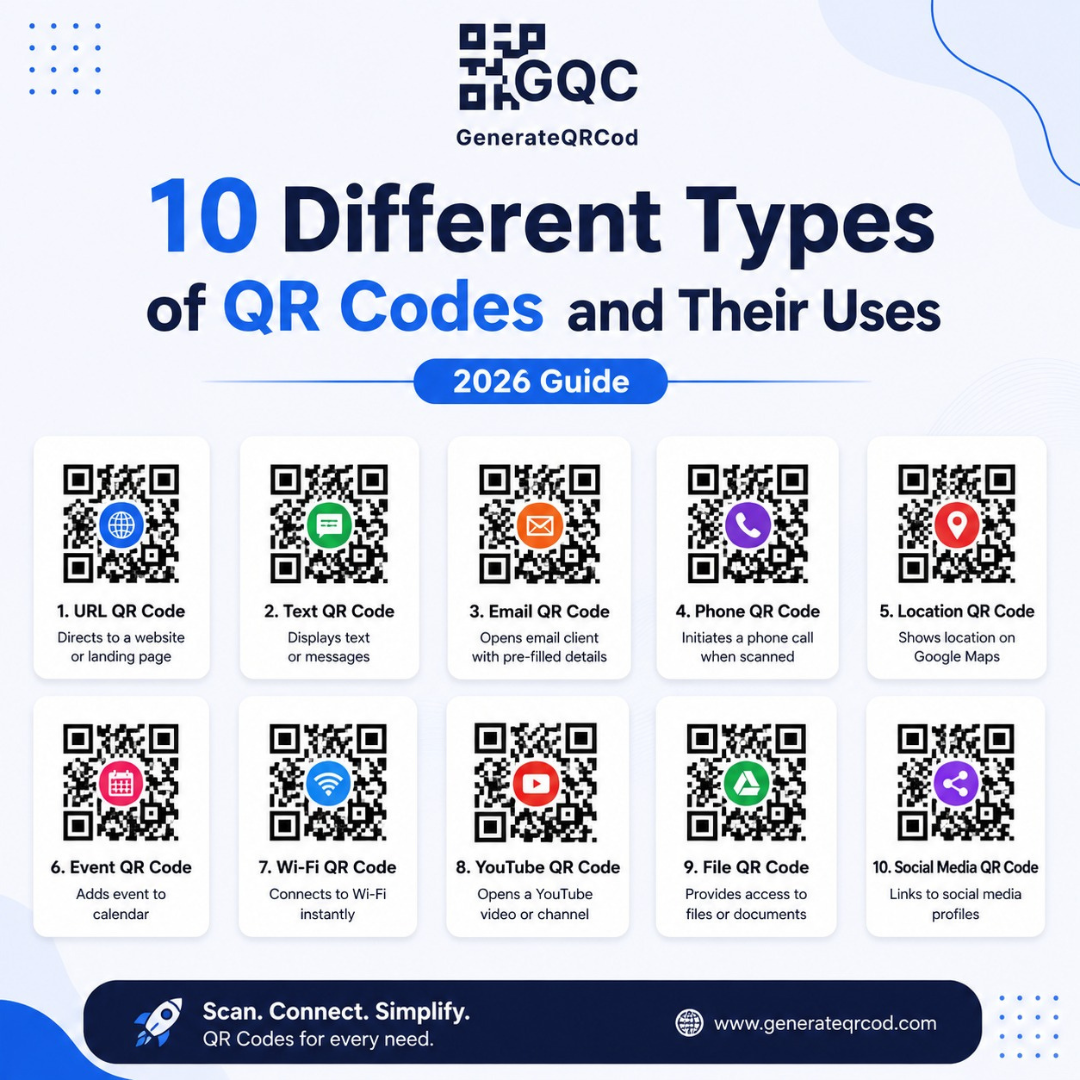
He had picked the wrong type of QR code — and he only found out after the printing bill was paid. This happens more often than you would think, because most people assume a QR code is just one thing. It isn't. There are many different types of QR codes and their uses change completely depending on what you want the scanner to do next.
So let's go through the ten that actually matter for a business, and where each one fits.
First, the thing nobody explains: static vs dynamic
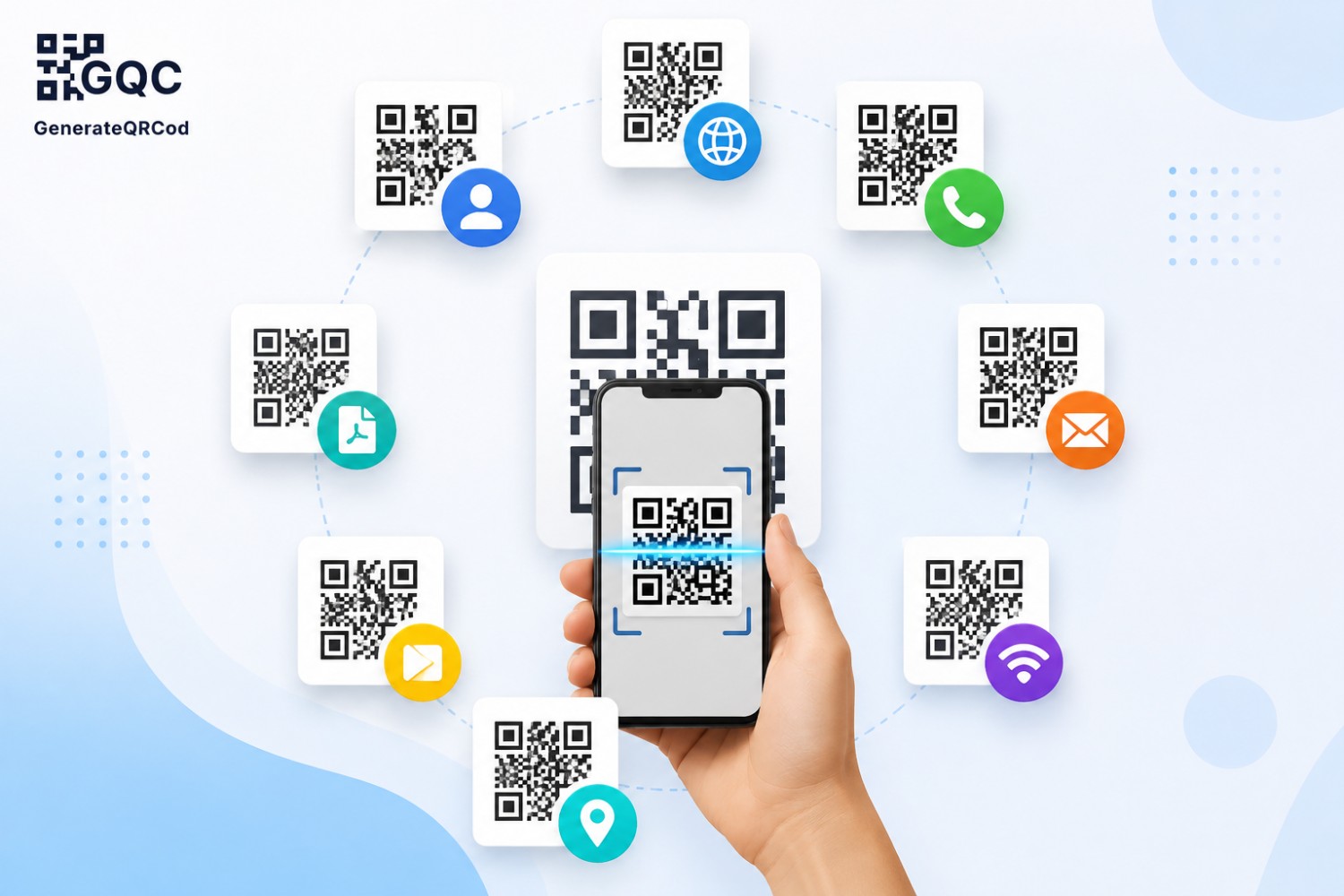
A static QR code stores the information inside the pattern itself. Once printed, it can never be changed.
A dynamic QR code stores a short redirect link instead. The destination sits on a server, so you can edit it later — change the menu, fix a broken link, point it somewhere else — without reprinting anything. Dynamic codes also let you track scans: how many, from which city, on which day.
For a poster you will use once, static is fine. For anything printed in bulk or stuck on a wall for two years, go dynamic. My friend's café flyers? Static. Which is exactly why he could not fix them.
1. Website URL QR Code
The most common one, and the one most businesses should start with. It opens a web page the moment someone scans it.
Use it on packaging, delivery boxes, print ads, brochures, standees, and vehicle branding. The trick is not to link your homepage every single time. If your hoarding is about a Diwali offer, send people straight to the offer page. Fewer taps, more conversions.
One small tip from experience — always test the link on mobile data, not office WiFi. Slow-loading pages kill scans fast.
2. vCard QR Code
This one saves your full contact details directly into the scanner's phone. Name, phone number, email, company, designation, website, even address.
Put it on the back of your visiting card. The person scans, taps save, and you are in their contacts with the correct spelling — instead of sitting in a drawer with fifty other cards.
Sales teams, real estate agents, doctors, freelancers, event organisers — anyone who hands out cards regularly gets real value from a vCard QR code for visiting cards. It costs nothing extra to print. And it removes the one step most people never bother doing.
3. WiFi QR Code
Guests scan it and connect to your WiFi automatically. No typing a 16-character password with three special characters in it.
Cafés, salons, clinics, PGs, co-working spaces, guest houses, small offices — all of them benefit. Print it on a small acrylic stand and put it on the reception desk or the table.
You need three things to create it: the network name (SSID), the password, and the encryption type, which is usually WPA/WPA2. That's the whole setup. Takes about thirty seconds.
4. UPI / Payment QR Code
In India this one needs no introduction. Scan, enter amount, pay.
But a lot of shopkeepers still use only the QR sticker their payment app gave them. A custom payment QR — with your shop name and logo around it — looks more trustworthy at the counter, especially for higher-value purchases where customers hesitate.
Useful for retail counters, street stalls, tuition classes, freelancers collecting advance payments, and event ticket desks.
5. PDF QR Code
Instead of sending a file over WhatsApp, you link it to a code. Scan, and the PDF opens.
Restaurants use this for menus. Manufacturers use it for product spec sheets and catalogues. Clinics use it for patient forms. Real estate builders put it on site boards so visitors can pull up the floor plan while standing in the flat.
The big advantage here is weight. A 40-page catalogue does not need to be printed 500 times anymore. One code on a card does the same job.
6. Email QR Code
Scanning opens the phone's email app with your address already filled in — and often the subject line too.
This works well on service invoices, support brochures, and warranty cards. "Scan to raise a complaint" is a much easier instruction than asking a customer to type support@yourcompanyname.com correctly on the first try.
Small thing. Removes real friction.
7. Phone Call and SMS QR Code
Two variations of the same idea. One dials your number. The other opens a pre-written message.
The call version belongs on delivery vans, hoardings, hospital corridors, and emergency service boards. The SMS version is quietly powerful for lead capture — set the message to something like "SEND ME PRICE LIST" and every scan lands in your inbox as a warm enquiry with the person's number attached.
Plumbers, electricians, cab services, coaching centres. Anyone whose customers call before they buy.
8. Google Review QR Code
Scanning opens your Google Business Profile review box directly, with the star rating ready to tap.
Reviews still move local rankings, and the biggest reason businesses do not have enough of them is simple — nobody asks at the right moment. A small card near the billing counter fixes that. Ask when the customer is happy, not three days later over WhatsApp.
Restaurants, dental clinics, gyms, salons, service centres. This one has probably the fastest visible return of anything on this list.
9. Location / Google Maps QR Code
Scan, and Google Maps opens with directions to your exact location already loaded.
Put it on wedding invitations, event passes, delivery notes, and your website's contact page. It helps most when your address is genuinely hard to explain — inside a market lane, behind a landmark, third floor of a building with no signboard.
10. Social Media and Multi-Link QR Code
One code, several destinations. Instagram, YouTube, WhatsApp, your website, all on one landing page.
Content creators use it. So do brands running offline events, and shops that want customers to follow them without shouting three different usernames across the counter.
Keep the list short, though. Five links maximum. Beyond that people stop choosing and just close the page.
Which QR code type should a small business use first?
If you are starting out, pick three: a website URL code for marketing material, a Google review code for the billing counter, and a WiFi or UPI code depending on whether you serve customers on-site or sell products. These three cover visibility, reputation, and convenience — the areas where scans actually turn into business.