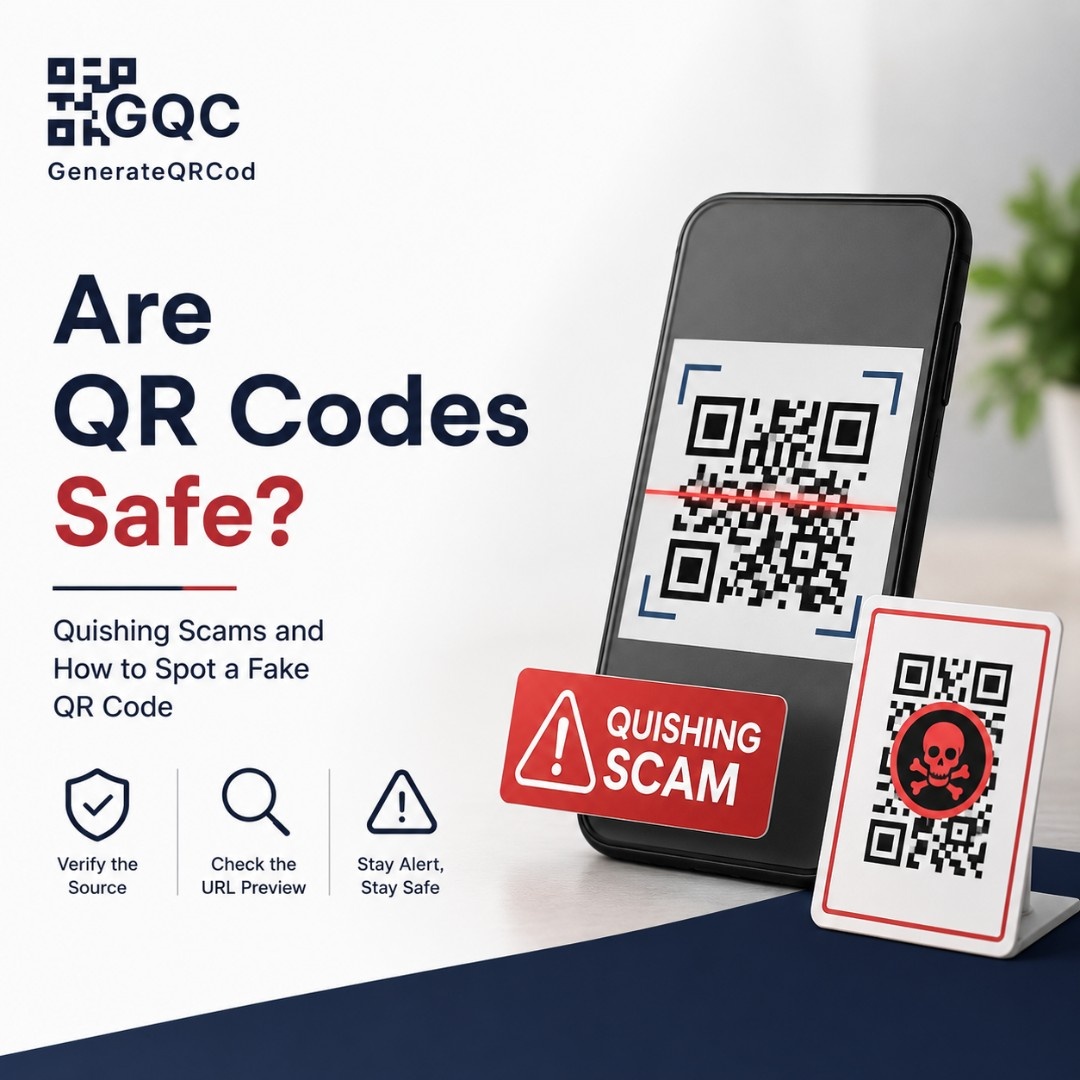
You park downtown, walk up to the meter, and there it is — a neat little sticker that says “Scan to pay.” It looks official. It looks convenient. You scan it, a payment page opens, you type your card number.
And in some cities, that sticker was not put there by the parking authority.
This is the scam that has people asking the question in the first place.
Are QR codes safe?
Yes — a QR code itself is safe. It is only an image that stores text, and it cannot install anything on your phone on its own. The risk is where the link takes you. Scammers print codes that lead to fake payment pages, cloned login screens, or app downloads that steal your data.
So the honest answer is: the square is harmless, the destination is not always. Which means the whole question of safety comes down to one habit — checking the link before you tap it.
What is quishing?
Quishing is QR code phishing. A scammer hides a malicious link inside a QR code so you cannot see where it goes until after you scan.
That is the entire trick, and it is a good one. With a normal phishing email you might notice that “bank0famerica-verify.com” looks wrong. With a QR code you see nothing — just black and white squares that look identical whether they open a restaurant menu or a credential-stealing page. Every QR code is a link wearing a disguise. Understanding how QR codes are generated makes this obvious: the pattern is just encoded text, nothing more.
The scale is not small either. Microsoft Threat Intelligence reported that QR-based email phishing was the fastest-growing attack method in early 2026, climbing from roughly 7.6 million attacks in January to 18.7 million by March. The FBI has been warning about tampered QR codes since a public service announcement in January 2022.
Where fake QR codes usually show up
Scams work best in places where scanning is already normal. Nobody questions a code on a parking meter, because that is where codes belong.
Where you see it | What the scam looks like | Safer option |
|---|---|---|
Parking meters | A sticker pasted over the real code, opening a lookalike city payment page | Use the official parking app or pay at the machine |
Restaurant tables | A second sticker on the table edge that mimics the menu code | Ask staff which code is theirs, or open the site directly |
Work email | A code inside an email asking you to re-verify your Microsoft or Google login | Never sign in from a scanned link — open the app yourself |
Text messages | A “traffic violation” or “unpaid toll” with a case number and a code | No court or DMV collects payment by text — delete it |
Packages you did not order | A card inside saying “scan to find out who sent this” | Do not scan. Track real parcels in the carrier app |
Posters and flyers | Charity or crypto giveaway codes stuck on lamp posts | Search the charity name and donate on its own site |
The Federal Trade Commission issued an alert about the fake traffic-ticket version, and city parking departments across several US cities have publicly warned about tampered meters after dozens of stickers were found in single incidents.
How to spot a fake QR code before you scan
Seven checks. None of them take more than a few seconds.
Feel for a sticker over a sticker. Run a thumbnail along the edge. A raised or peeling corner is the single most common sign of tampering.
Check the print quality. Official codes are printed as part of the sign. A code on cheap adhesive paper, slightly crooked, is worth suspicion.
Preview the URL before tapping. Both iPhone and Android show the destination in a banner. Read it. Do not tap through on reflex.
Look at the domain, not the words. “secure-cityparking-pay.com” is not your city. Real organisations use their own domain, not a lookalike with extra hyphens.
Be careful with shortened links. A bit.ly hiding behind a code on public signage is a red flag — legitimate businesses rarely need to hide their own domain.
Never log in or pay on a page you reached only by scanning. Open the app or type the website address yourself instead.
Treat unexpected codes as suspicious. If you did not ask for it and it arrived by email, text or parcel, it does not deserve your camera.
One more that people forget: a saved image can be scanned too, so forwarding a suspicious code to a friend spreads it. It still works from a screenshot.
What to do if you already scanned a bad QR code
Scanning alone rarely causes damage. The harm happens after — when you type something in. If you did, move quickly.
Close the page immediately and do not enter anything else.
Change the password for any account you signed into, and change it anywhere else you reused it.
Turn on two-factor authentication on that account if it is not already active.
Call your bank if you entered card details. Ask them to flag the card and issue a new one.
Tell your IT team the same day if it involved a work login. Stolen credentials get used fast.
Report it — in the US, to the FBI’s Internet Crime Complaint Center at ic3.gov and the FTC at reportfraud.ftc.gov.
Tell the business or the city where you found the code so they can remove it before someone else scans.
And watch your statements for a few weeks. Small test charges usually come before large ones.
How businesses can protect their own QR codes
If you print codes for customers, part of the trust problem is yours to solve. A guest who gets scammed at your table blames your restaurant, not the person with the sticker.
Point codes at your own domain. Customers can verify the URL matches your business name.
Print the destination underneath the code in small text — it removes the guesswork.
Add your logo to the centre. A branded code is harder to fake convincingly, and easier for staff to recognise at a glance.
Print the code into the sign or card, never as a separate stick-on label. Stickers invite stickers.
Walk the floor weekly. Two minutes checking table cards and window decals catches tampering early.
Use dynamic codes where possible so you can kill a compromised link without reprinting anything.
If you run a venue, this matters most on menus and payment codes — the two places customers scan without thinking. Our restaurant QR menu setup guide covers the placement side in detail.
The short version
QR codes are safe. Careless scanning is not. Preview the link, refuse to log in or pay from a scanned page, and check for stickers on anything in public. That is roughly 95% of your protection right there.
And if you create codes for your own business, generate them yourself from a trusted source. You can make branded codes pointing at your own domain with the free QR code generator — no account needed, and your content is never stored.