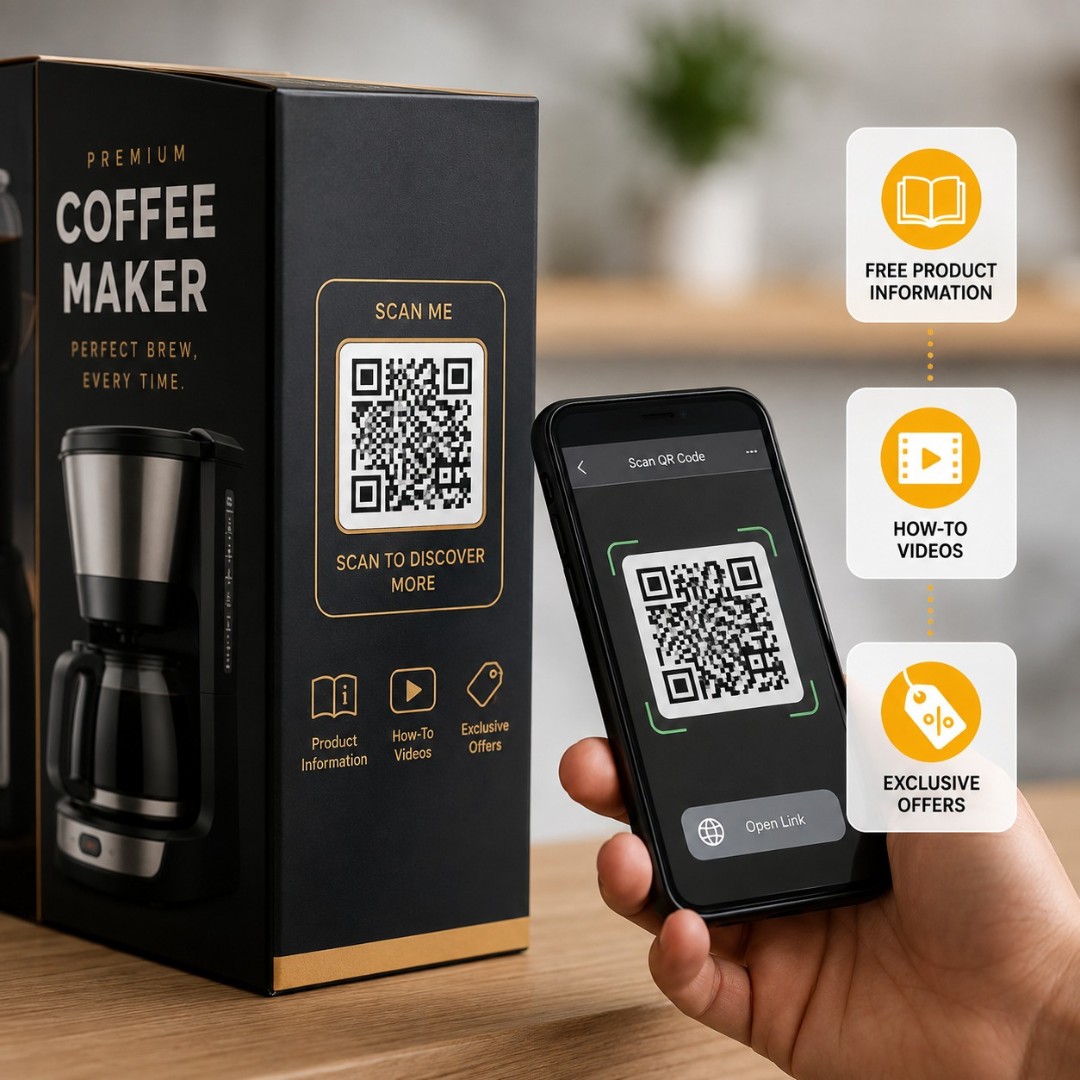
QR Code on Packaging: Free Product Information, How-To Videos & Offers

Create free QR codes for product packaging and labels. Share ingredients, how-to videos, warranty registration, offers and reorder links with one scan.

100% Free No Registration PNG & SVG Download Mobile Friendly
QR Code on Packaging: Free Product Information, How-To Videos & Offers

Free QR Code Generator — Create Custom QR Codes Online

Choose your QR code type, add your content, customize colors and logo, then download your free custom QR code instantly as PNG or SVG — no account, no watermark, no limits.

Your Custom QR Code — Live Preview

Free QR code generated by GenerateQRCod.com — download PNG or SVG

Why Choose Our QR Codes?

More Information, Same Size Label

A pack has limited space, and every extra line makes the design busier. A code moves the full ingredient list, specifications and usage instructions onto a page the buyer opens only if they want it.

How-To Videos on the Pack

Link the code to a short assembly or usage video. Buyers watch it while holding the product instead of guessing from a folded paper insert they have already thrown away.

Change Content After Printing

Because the code points to a page and not to fixed text, you update the page and every pack already sitting in a warehouse or on a shelf shows the new version. No new print run, no sticker over the old artwork.

Warranty & Product Registration

Point the code at a registration form so buyers record their purchase in under a minute. You get verified customer details, and they get proof of purchase without keeping a paper bill.

Reviews, Reorders and Offers

A code on the box keeps working after the sale. Send buyers to a review page, a reorder link or a first-purchase discount, and the packaging becomes a marketing channel instead of waste.

Print-Ready Files

Download as SVG for print or PNG for screens. Vector files stay sharp on cartons, sleeves, pouches, bottle labels and shipping cartons at any size, with no blurry edges when the printer scales them up.

How Brands Use QR Codes on Packaging

Real ways brands and manufacturers use QR codes on packaging to explain the product, cut printing, reduce support calls and bring buyers back.

Ingredients & Product Details

Move the full ingredient list, nutrition table, material composition or technical specification to a page. The label stays clean and the buyer still gets everything.

How-To & Assembly Videos

Link to a short video showing setup, correct usage or care instructions. Especially useful for furniture, appliances, tools and anything that arrives flat-packed.

Authenticity Check

Give each batch or unit a code that confirms the product is genuine. Useful for brands facing duplicates in the market and for buyers who want to check before using.

Warranty Registration

Buyers scan, fill a short form and register the product on the spot. You collect verified purchase data instead of chasing it later.

Reorder & Subscribe

A code on the base or inside the lid takes the buyer straight to the reorder page for the same item. Best for consumables that run out on a fixed cycle.

Reviews & Feedback

Point a code at your Google, Amazon or website review page. Asking at the moment of unboxing gets far more responses than an email sent a week later.

Offers & Loyalty

Print a code that opens a discount on the next purchase, a loyalty sign-up or a contest entry. It turns a used box into a reason to buy again.

Recycling & Disposal Info

Explain how each part of the pack should be sorted and disposed of. Buyers who care about this notice it, and it supports the sustainability claims on your artwork.

Where to Place the QR Code on Your Packaging

The same code performs very differently depending on which panel it sits on. These are the six positions that actually get scanned.

Front Panel

Best for offers, authenticity checks and anything meant to influence the decision at the shelf. Keep it small and near the bottom corner so it does not fight the brand name.

Back Panel

Best for ingredients, specifications and full product details. This is where buyers already look for the fine print, so the code belongs beside it.

Side Panel

Best for how-to videos and digital manuals. Good option when the front and back are both crowded with regulatory text.

Base of the Pack

Best for reorder links and batch details. Buyers turn a bottle or jar over naturally when it is running empty.

Inside the Lid or Flap

Best for reviews, warranty registration and welcome offers. The buyer sees it at the exact moment they open the product and feel good about it.

Shipping Carton & Label

Best for delivery feedback, return instructions and reorder prompts on ecommerce orders. Print it large - courier cartons take a beating in transit.

How QR Codes Are Transforming Product Packaging

QR codes turn packaging into a two-way channel by connecting buyers to product details, videos, warranty forms, offers and reorder pages with a single scan - removing the folded paper insert, the crowded label, and the reprint cost every time information changes.

Packaging has always had the same problem. There is more to say about a product than there is room to print. Regulatory text takes the space that design wants, the instruction leaflet gets thrown away with the box, and any correction means a fresh print run of thousands of units.

A code on the pack solves the space problem first. The full ingredient list, material composition, dosage table or technical specification lives on a page, and the label carries a small square instead of six lines of small type. Buyers who want the detail get all of it. Buyers who do not are not made to read past it.

The reprinting problem disappears next. Because the code points to a page rather than to fixed content, you update the page and every pack already printed shows the new version. A revised instruction, a corrected helpline number, a new seasonal offer - all handled without touching the artwork or the stock sitting in a warehouse.

Video changes what packaging can teach. A buyer struggling with an assembly step scans and watches sixty seconds of the actual product being put together. Support calls drop, returns caused by wrong usage drop, and the brand looks more capable than the one with a folded diagram.

The scan also happens after the sale, which is what makes connected packaging useful to marketing. A code on the base takes a buyer to a reorder page when the bottle is nearly empty. A code inside the lid asks for a review at the moment of unboxing. A code on the shipping carton collects delivery feedback. Each of these is a touchpoint that used to end the moment the box was opened.

Whether you sell food, cosmetics, supplements, electronics, apparel or ship ecommerce orders in plain cartons, a QR code gives you one flexible way to connect the physical pack to whatever the buyer needs next.
Built for the Way Your Product Ships

Built for the Way Your Product Ships

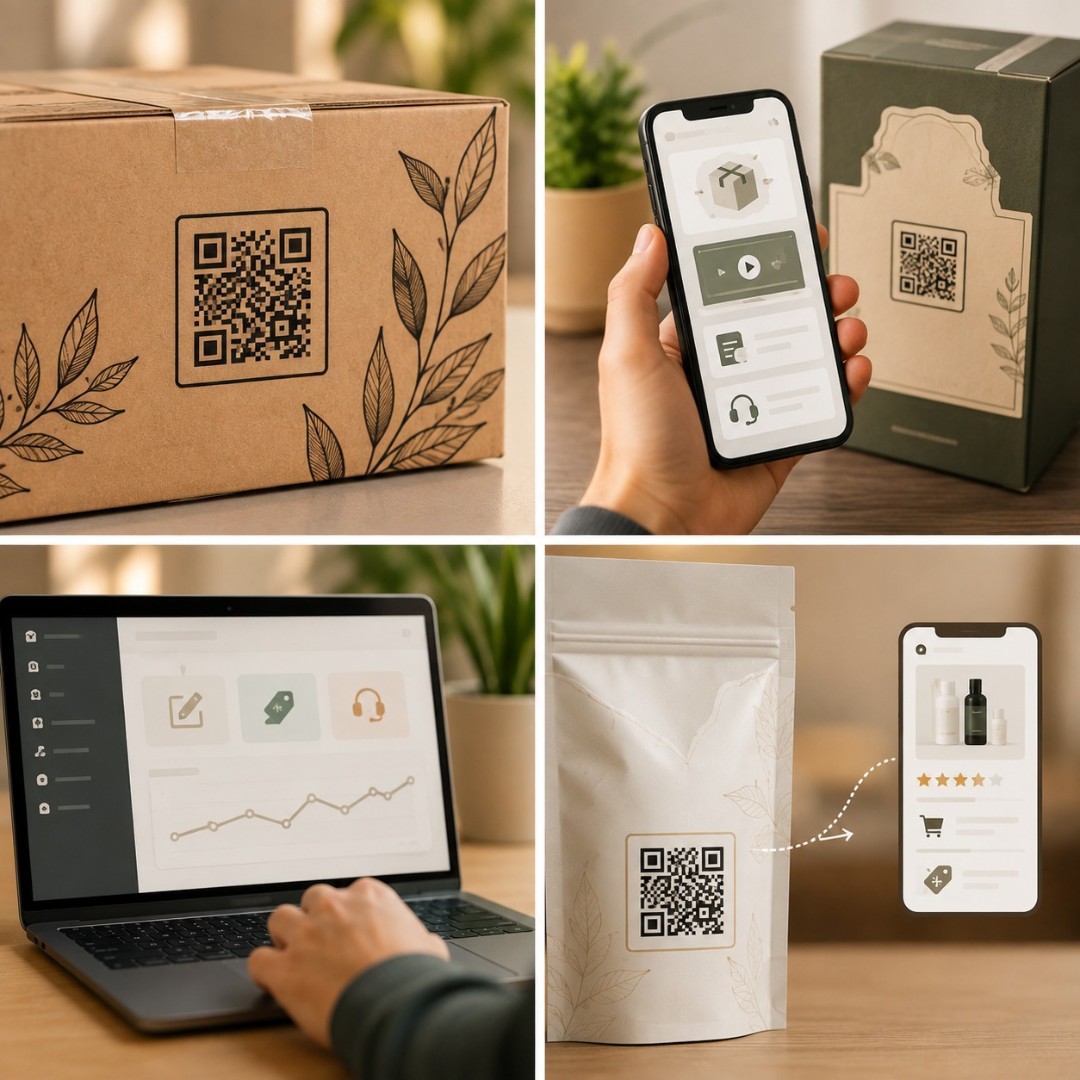
A QR code should fit into artwork you already have, not force a redesign of the whole pack. These are built to sit inside your existing label, carton, pouch or sleeve and work with the print process you already use.

  • Fit More Into Less Space - move long specification and ingredient text off the label and onto a page.

  • Change Content Without Reprinting - update instructions, offers and helpline details from one page.

  • Reduce Support Calls - videos and digital manuals answer the questions your team hears most often.

  • Keep Selling After the Box Opens - reorder links, reviews and offers keep working long after delivery.

10K+
QR Codes Created
2K+
Brands & Manufacturers Served
1M+
Monthly Scans
50+
Countries Served

How It Works

Three simple steps to add a QR code to your product packaging or label.

01

Create Your QR Code

Pick your QR type and add your content - a product page, ingredient list, instruction video, warranty form or reorder link. No account needed.

02

Download for Print

Match the code to your packaging colours and add your logo, then download it as an SVG so your printer can scale it without any loss. Place it into the artwork file alongside the barcode and regulatory text.

03

Test on the Printed Proof

Scan the code on the actual printed proof, not on screen, using both an Android and an iPhone. Check it under store lighting and on the finished material, then approve the run.

Which QR Code Type Should You Print on Your Packaging?

QR TypeUse It ForWhere to Print It
URL / WebsiteProduct page, ingredients, offers, reorder linkBack panel, base, front corner
PDFDigital manual, safety sheet, warranty termsSide panel, inside the lid
VideoAssembly, usage and care demonstrationsSide panel or inside flap
Google ReviewCollecting ratings after unboxingInside the lid, shipping carton
FormWarranty registration, feedback, complaintsInside the lid, back panel
App StoreApp download for connected productsFront or back panel
Social MediaInstagram and YouTube followsInside flap, sleeve, hang tag
vCardDistributor or service contact detailsBase of the pack, outer carton

Print Specifications for QR Codes on Packaging

SpecificationRecommendedWhy It Matters
Minimum size1.5 cm x 1.5 cmBelow this, worn or slightly smudged codes stop scanning
Shipping cartons3 cm x 3 cm or largerRough surfaces and transit damage need a bigger target
Quiet zoneClear margin on all four sidesText or artwork touching the code breaks the scan
File formatSVG or EPS vectorScales to any size without pixelation
ColourDark code on a light backgroundInverted or low-contrast codes are unreliable
FinishMatte, not high glossGlossy varnish reflects store lighting and blocks scans
PlacementAway from folds, seams and creasesA code across a fold distorts and fails
Curved surfacesKeep it small and flat-facingBottles and tubes bend the code out of shape
Logo in the centreUnder 30% of the code areaLarger logos remove too much of the data pattern
TestingScan the printed proof, not the screenInk spread and material change how the code reads

QR Code vs Printed Insert

FactorQR Code on PackPrinted Leaflet or Insert
Updating informationEdit the linked pageRequires a full reprint
Cost per updateNonePrinting and insertion cost each time
Space on the labelOne small squareCompetes with design and legal text
Multiple languagesAll on the same pageA separate printed version each
Adding videoYes, any lengthNot possible
Survives the unboxingStays on the packUsually thrown away immediately
Tracking buyer interestScan data availableNone
Correcting a mistakeFixed in minutesRecall or sticker over the batch
Works without internetNeeds mobile data or WiFiYes
Environmental impactNo extra paperExtra paper in every unit

Add a clear instruction next to the code, such as "Scan for Ingredients" or "Scan to Watch How to Use It."

  • Print at 1.5 cm x 1.5 cm minimum on labels, larger on shipping cartons.
  • Leave a clear quiet zone around the code so no text or artwork touches it.
  • Test the actual printed proof on both Android and iPhone before approving the run.
  • Make sure the linked page loads fast on mobile data and fits a phone screen.

Don't place the code across a fold, a seam, or a sharply curved part of the pack.

  • Don't shrink the code to fit a gap - a code too small to scan is wasted print.
  • Don't let the linked page show discontinued variants or an old helpline number.
  • Don't cover or distort the code with a logo larger than about 30% of its area.
  • Don't apply a high-gloss varnish over the code - glare under store lighting stops scans.

QR Codes for Every Kind of Packaging

The same code does a different job depending on what is inside the box. Here is where each category gets the most value.

Food & Beverage

Best used for the full nutrition table, allergen list, sourcing details and recipe ideas. Keeps the label readable while still giving buyers everything.

Cosmetics & Personal Care

Best used for the full ingredient list, patch-test guidance and application tutorials. Small bottles have almost no space, so a code does the heavy lifting.

Pharma & Supplements

Best used for dosage details, batch and expiry verification, and authenticity checks. Buyers looking for reassurance find it in one scan.

Electronics & Appliances

Best used for the digital manual, setup video and warranty registration. Replaces a thick multi-language booklet in every carton.

Apparel & Footwear

Best used on hang tags for size guides, fabric care instructions, styling ideas and authenticity confirmation.

Ecommerce Shipping Boxes

Best used for delivery feedback, return and exchange instructions, reorder links and a first-purchase offer on the outer carton or packing slip.

Frequently Asked Questions

Related Reading

QR Codes for Professional Services
QR Insights
Jun 29, 2026

QR Codes for Professional Services

Discover 15 proven ways to use QR codes in your professional services firm. From lawyers to consultants — boost leads, simplify client workflows & track results. Read the complete 2025 guide.

Read More
QR Codes Benefits for Business | Boost Growth & Sales
QR Insights
Aug 4, 2026

QR Codes Benefits for Business | Boost Growth & Sales

Discover the top QR codes benefits for business, including better customer engagement, lower costs, contactless payments, analytics, and smarter marketing.

Read More
Are QR Codes Safe? Quishing Scams & Fake QR Code Signs
QR Insights
Aug 11, 2026

Are QR Codes Safe? Quishing Scams & Fake QR Code Signs

Are QR codes safe to scan? Learn how quishing scams work, where fake QR codes appear, 7 checks to spot one, and exactly what to do if you already scanned it.

Read More

Ready to create your custom QR code?

Join thousands of businesses using GenerateQRCod for their marketing needs. 100% free, forever.

Start Generating Now →